

Your draft is due tonight, but your class portal only says the assignment uses Turnitin, and you cannot tell whether you can open it on your own.
That confusion is common. Many students assume there must be a public student version where they can upload a paper, see a score, and revise before class submission.
The next step is to separate institutional class access from public tools that only imitate parts of the report.
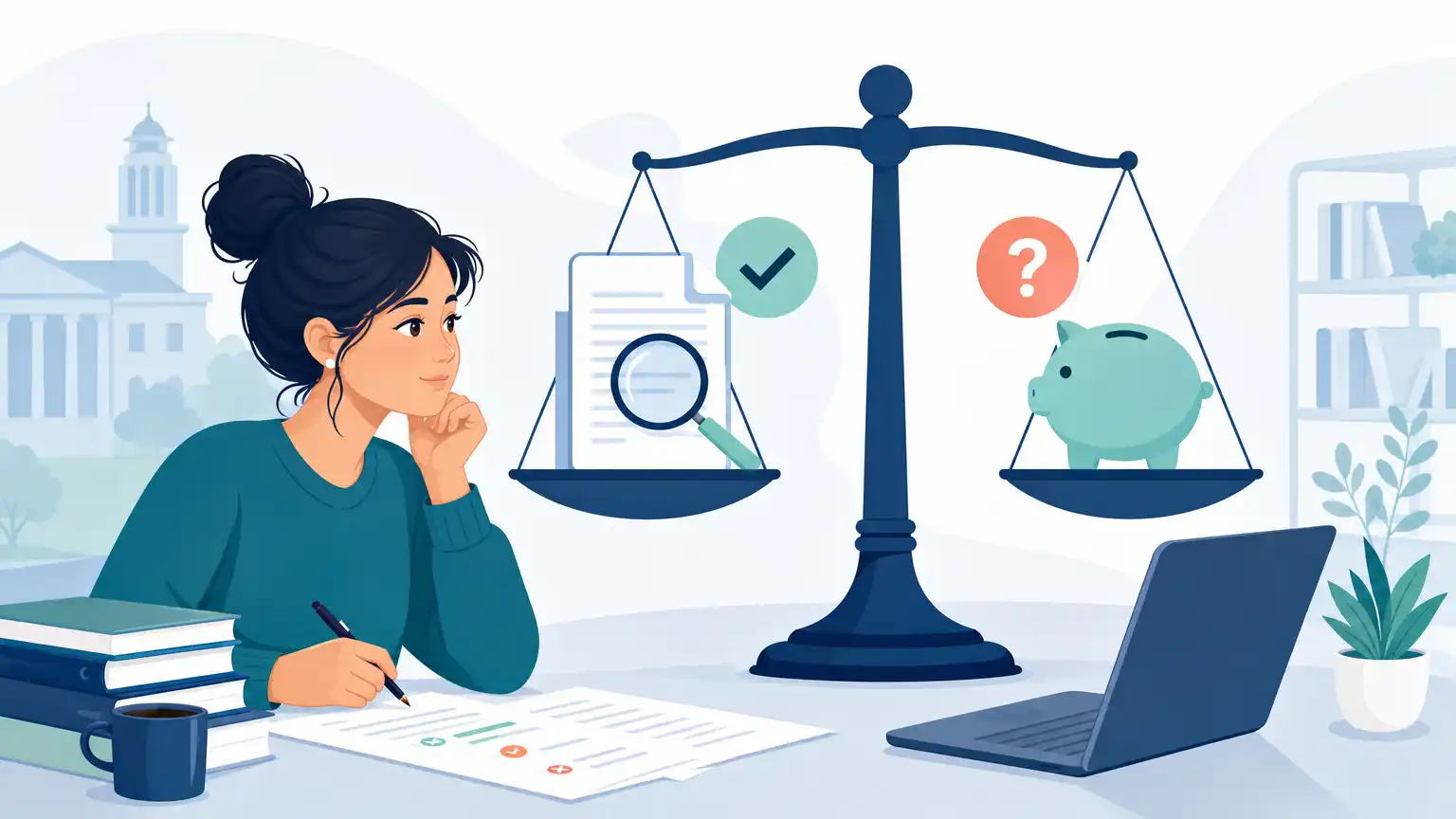
Quick Answer to Whether Turnitin Is Free
For most students, Turnitin is not a free standalone tool you can just sign up for and use like a public writing app. Turnitin presents its products as solutions for academic integrity, grading and feedback, research integrity, and assessment, which usually means access is provided through a school, college, or instructor rather than through a personal student subscription.
In everyday terms, that means you usually cannot open a personal account, upload any paper you want, and run unlimited self-checks. Instead, you typically use Turnitin only when your institution has licensed it and your instructor has created an assignment or submission path for your class.
There are a few free Turnitin access methods, but they still depend on instructor or institutional setup. For example, Turnitin says some direct submissions can happen through an instructor-provided unique link without the student creating a user account. That is convenient, but it is still not the same thing as free independent access.
So if your real question is whether you can use Turnitin by yourself without school support, the answer is usually no.
Who Usually Pays for Turnitin Access
In most college situations, the institution pays for Turnitin access as part of a broader academic system. That could be your university, a department, a writing program, or an instructor working inside a campus learning platform. Students often experience Turnitin as a feature inside Canvas, Blackboard, Moodle, or another course site rather than as a separate product they personally purchased.
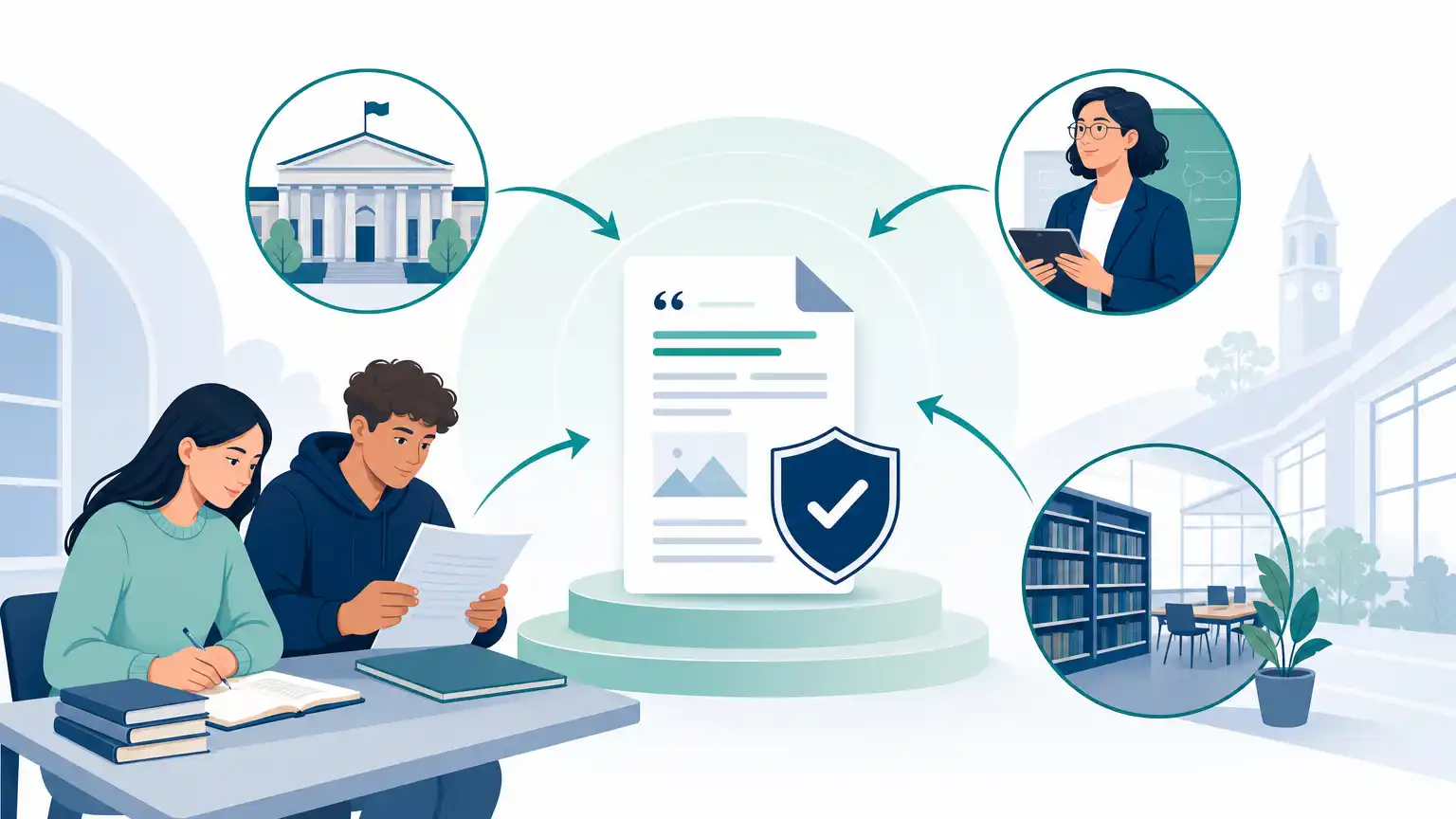
This matters because your access level is shaped by whatever your school has set up. One campus may allow Turnitin pre-submission checks after a draft submission, while another may limit what students can see. Some instructors allow draft submissions and resubmissions; others keep the assignment to a single final upload.
It also explains why pricing is hard to pin down from a student perspective. Turnitin does not position itself on its main site as a free student self-checker, and students generally are not the direct buyer. If you want to know whether your course includes access, the most reliable place to check is your syllabus, assignment instructions, or instructor email rather than random pricing claims online.
What Students Can Access Through a Class
When your instructor uses Turnitin in a class, student access usually centers on a specific assignment. Turnitin says only a single document may be submitted to a standard assignment, so you cannot upload a folder of notes, multiple files, or a zip file. That sounds small, but it matters when you are preparing a final submission and trying to avoid last-minute upload errors.
Depending on assignment settings, you may be able to see a Similarity Report after submitting. The Turnitin plagiarism checker results show similarity rather than a plagiarism verdict. The system identifies text similarity, and instructors have to interpret what the matches mean. Turnitin also tells students that a high similarity score does not automatically prove plagiarism and a low score does not automatically prove everything is fine.
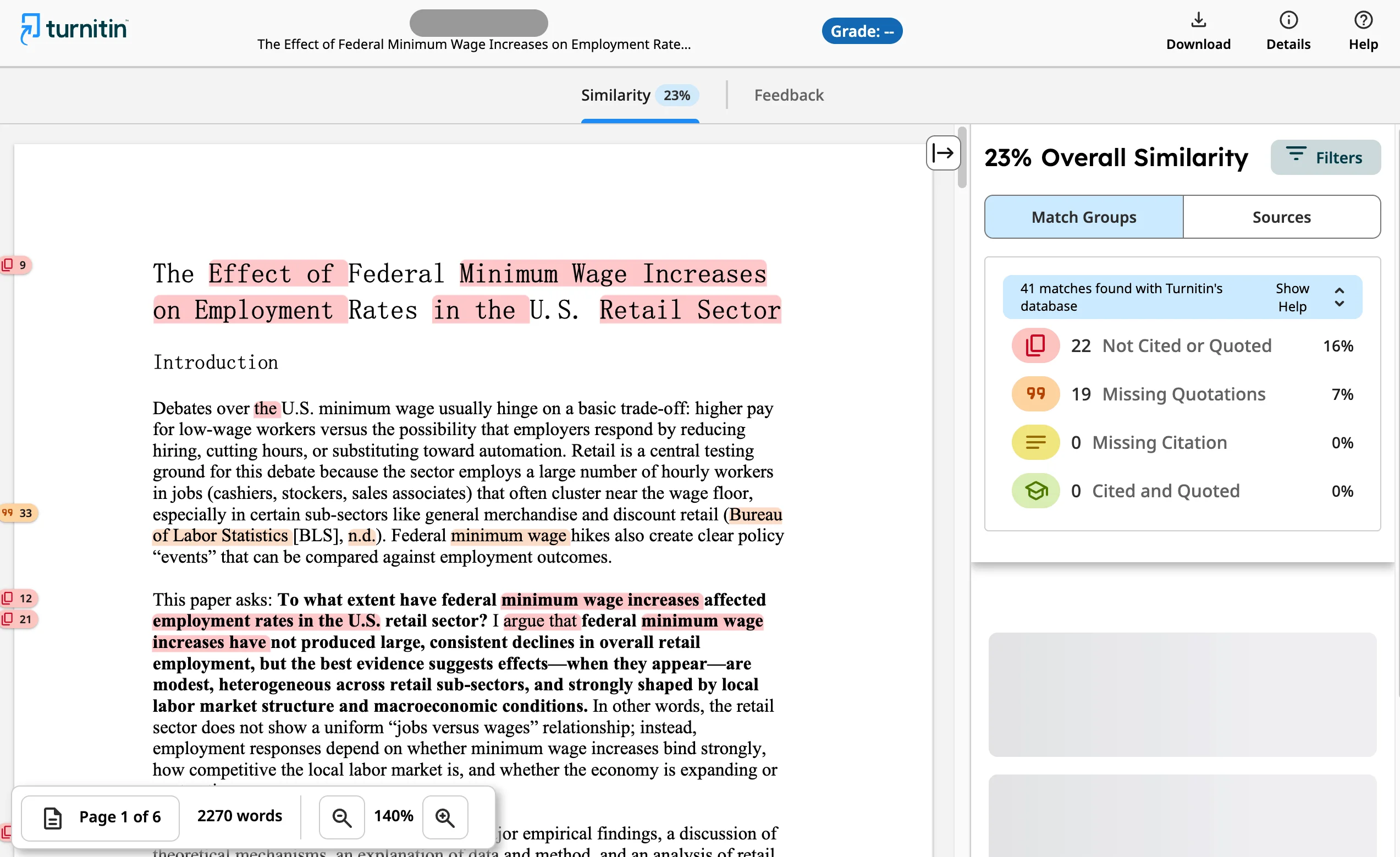
Some classes may also involve the AI Writing Report. Turnitin says the AI percentage is separate from the Similarity score, and the AI Writing tab contains the overall percentage of text detected as AI in the newer report experience. Turnitin also warns that its AI model may misidentify human-written, AI-generated, and AI-paraphrased text, so the report should not be the sole basis for adverse action.
Class Access Situation | What It Usually Means for You |
|---|---|
Instructor-created assignment | You submit through the course and may see a report if settings allow it. |
Direct submission link | You may submit through a unique instructor link without creating a separate account. |
Resubmission allowed | You may get a fresh Similarity Report, but timing can slow after multiple attempts. |
No student report visibility | Your instructor may see the report even if you cannot. |
Why Free Turnitin Checker Sites Are Risky
Sites that claim to offer a free Turnitin checker often create the wrong expectation. Some are simply misleading marketing pages. Others may ask you to upload your paper to an unknown platform, promise a “Turnitin-style” result, or imply they can provide official Turnitin access when they really cannot.
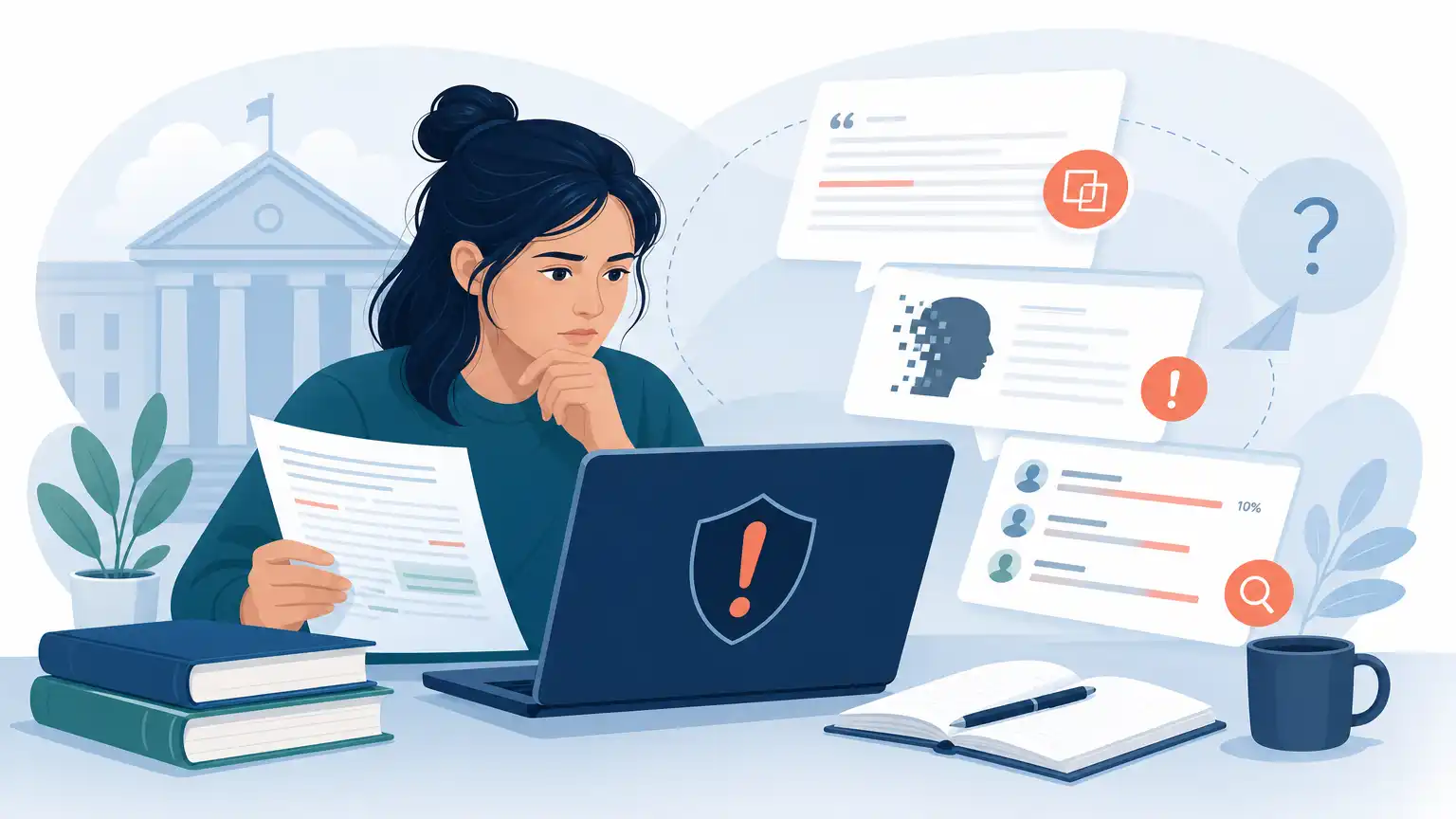
The first risk is privacy. Your draft may contain original ideas, personal details, or graded course work that you should not hand to an unverified service. The second risk is accuracy, particularly in Turnitin AI detector alternatives. Even if a site returns a percentage, that number is not automatically comparable to a real Turnitin Similarity Report or AI Writing Report used inside your class.
The third risk is confusion about what Turnitin actually does. Turnitin states that it does not detect plagiarism by itself; it identifies similarity that instructors interpret. A free site that acts as if one number can definitively clear or condemn a paper is oversimplifying the process.
If a tool also promises to help you dodge detection, avoid it. That goal is not worth pursuing. A better move is to revise for clear attribution, honest paraphrase, and readable prose.
Better Free Checks Before Submission
If you cannot access Turnitin on your own, you can still do several useful checks before submitting. Start by reviewing every borrowed idea, quotation, and paraphrase. Ask yourself whether a reader can tell where source material begins and ends. Compare your draft against your source notes so you can catch places where wording stayed too close to the original.
Next, do a formatting and file check. Turnitin warns that some PDFs with non-selectable text, embedded extra files, or unreadable formatting may be rejected or fail to process correctly. If your instructor has given file-type instructions, follow them carefully. Turnitin also recommends consistent file formats across students when AI writing detection is used for an assignment, so it is smart to submit in the requested format rather than improvising.
You should also build in time. Uploaded files may take 10 to 15 minutes to process for a Similarity Report, and overwritten or resubmitted papers may take up to 24 hours. After three resubmission attempts, Turnitin says the 24-hour wait can apply. That means your best free strategy is not chasing unofficial checkers. It is revising early, proofing carefully, and asking your instructor whether draft visibility is enabled.
If you used AI for brainstorming or structure, revise the paper so it reflects your own reasoning and course voice. For surface-level cleanup, one careful pass with Dr. Humanizer may help reduce robotic phrasing, but you still need to verify facts, citations, and originality yourself.
Key Takeaways About Turnitin Cost
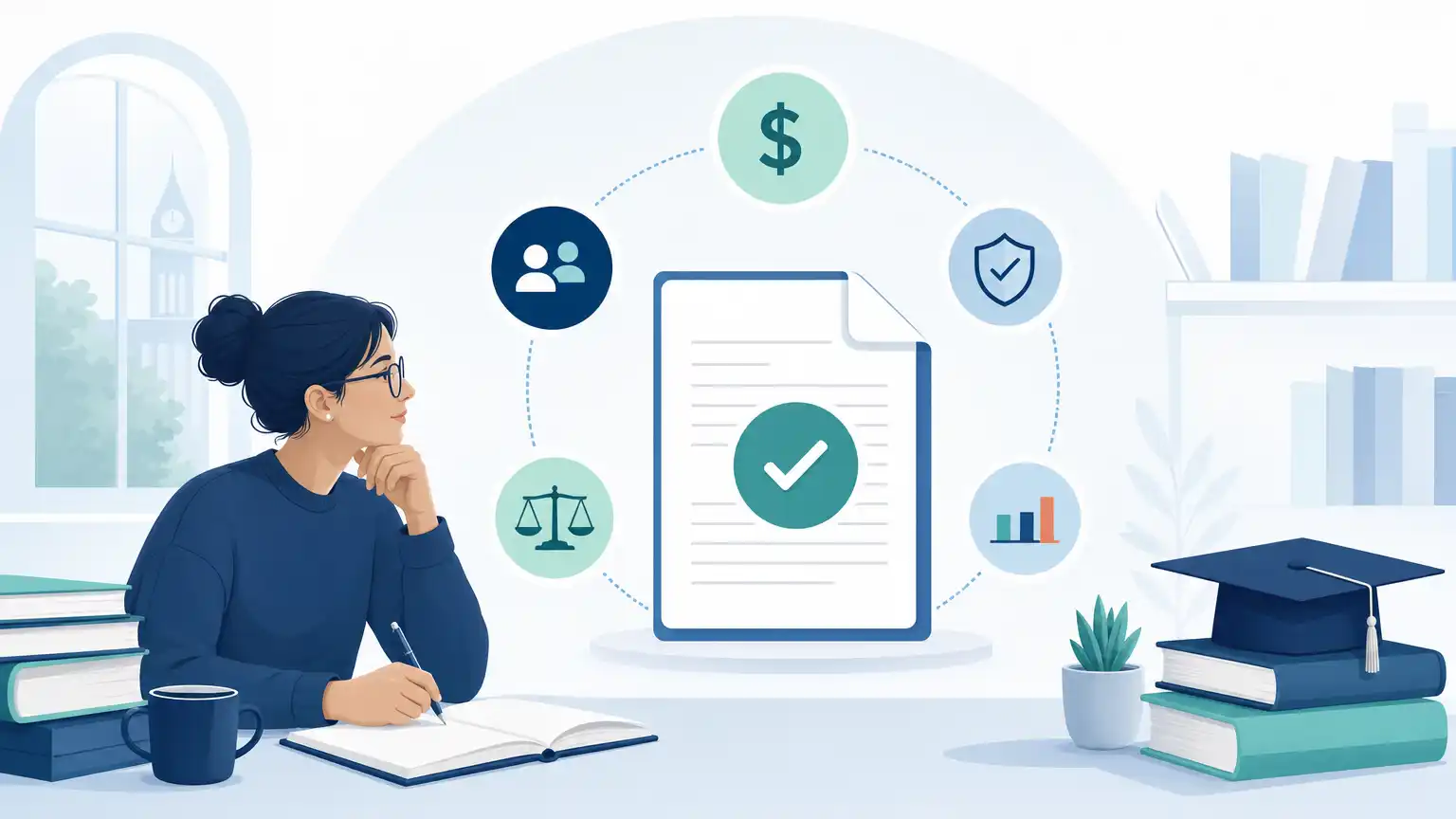
The simplest way to think about cost is this: students usually experience Turnitin as a school-provided service, not as a free personal checker. Whether you can use it depends less on your willingness to sign up and more on whether your institution has licensed access and your instructor has opened a path for submission.
Most students do not get independent free access to Turnitin.
Access usually comes through a class, learning platform, or instructor-provided submission link.
Seeing a report is different from being allowed to submit; assignment settings control what students can view.
Similarity scores and AI writing percentages are separate parts of Turnitin reporting.
A high similarity score does not automatically mean misconduct, and a low one does not guarantee there is no problem.
Unofficial “free Turnitin” sites can create privacy, accuracy, and trust issues.
Resubmissions may not produce instant reports forever; delays can increase after multiple attempts.
If you need certainty before a deadline, the most practical questions are: Does my class use Turnitin? Can students see the report? Are resubmissions allowed? What file type should I upload? Those answers matter more than finding a supposed public free version.
Frequently Asked Questions
Can Students Create Their Own Turnitin Account?
In most cases, students do not create a fully independent account for personal checking. Access generally comes through an instructor, a school system, or a direct submission link tied to a specific assignment. If your class materials do not provide a route in, contact your instructor or campus support team rather than assuming you can register separately.
Can I Use Turnitin Without My School?
Usually not in the way students expect. Turnitin is not presented as a free public self-check platform for individual student uploads. Some submission options exist without a separate account, but those still depend on an instructor-provided link. Without school or instructor access, you typically cannot use official Turnitin on your own.
Will Turnitin Always Show Me My Similarity Score?
No. Student visibility depends on assignment settings. In some courses, students can open the Similarity Report after submitting. In others, only the instructor can view it. If you are counting on seeing the report before the deadline, verify that early instead of assuming the score will appear automatically.
How Long Does It Take to Get a Turnitin Report?
Turnitin says uploaded files can take around 10 to 15 minutes to process and generate a Similarity Report. Resubmissions can take longer. Overwritten or resubmitted files may take up to 24 hours, and after three resubmission attempts, that longer wait may apply. Do not plan your final upload for the last possible minute if you expect to review a report.
Does a High Similarity Score Mean I Plagiarized?
Not automatically. Turnitin explains that similarity is not the same as plagiarism and that instructors must interpret the report. A paper may show high similarity because of quotations, references, templates, or repeated assignment language. What matters is whether your use of sources is appropriate, clearly marked, and consistent with your instructor's expectations.
Conclusion on Whether Turnitin Is Free
For students asking whether Turnitin is free, the most accurate answer is that official access is usually provided through a school or instructor, not through a personal free account. You may be able to submit through a course assignment or a direct link, but that still depends on someone at your institution setting it up.
If you cannot access Turnitin independently, focus on what you can control: strong citation habits, careful paraphrasing, clean file formatting, and enough time for submission delays. When in doubt, ask whether your class allows report viewing or resubmission. That approach is far more useful than trusting unofficial free-check claims.