

Your draft is due tonight, and you want to know whether a Turnitin report or score will look risky before submission closes.
That is a common worry, but student access is not automatic. It depends on assignment settings, instructor choices, and whether drafts or resubmissions are enabled.
The next step is to learn which report preview options are legitimate before you submit.
Quick Answer to How to Check Turnitin Score Before Submitting
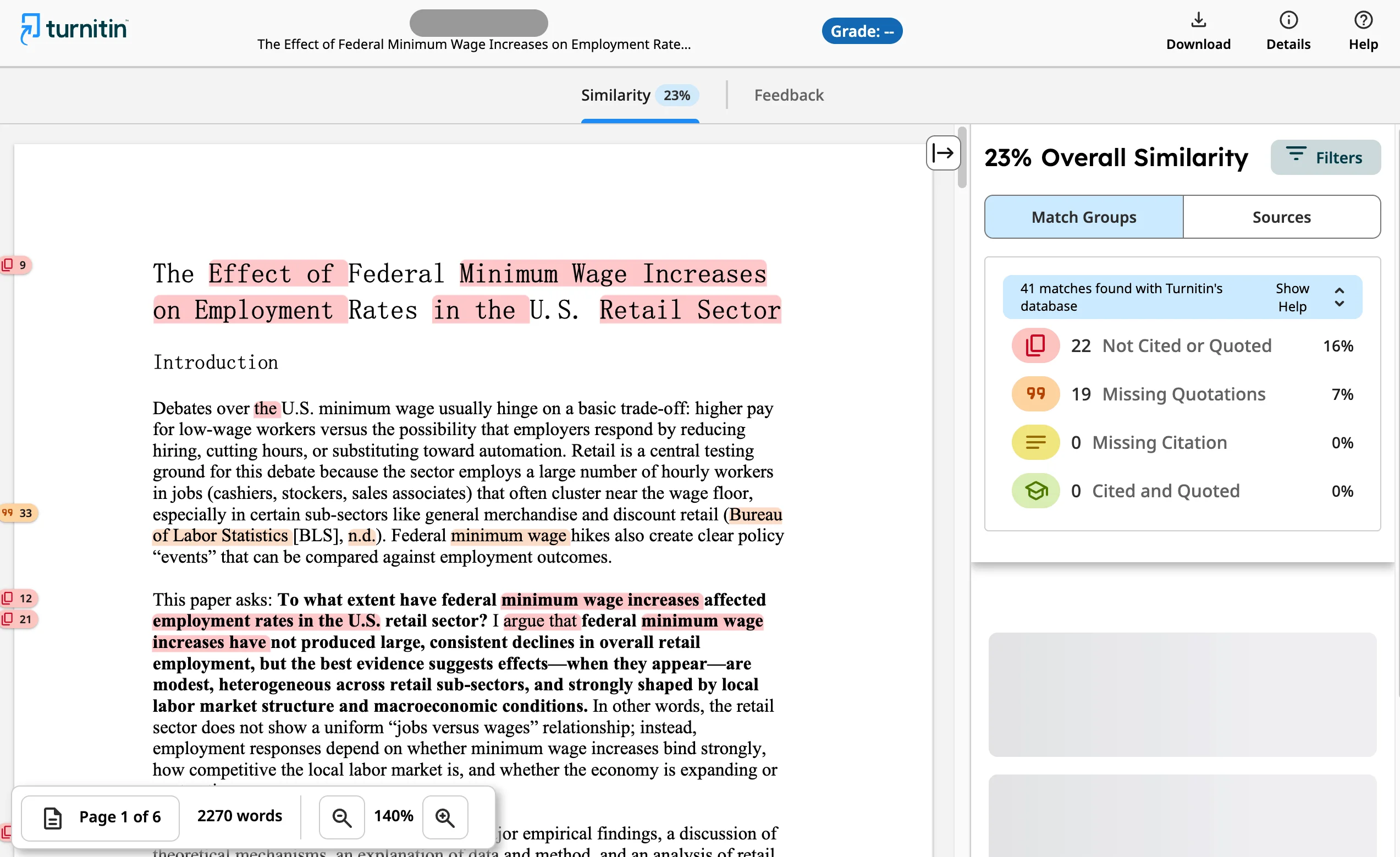
In most courses, students can only view a Turnitin Similarity Report before the final deadline if the instructor has set up the assignment to allow it. Some classes permit a draft upload, then let you open the report, revise, and replace the file. Other classes hide the report until after the due date, and some never show students the score at all.
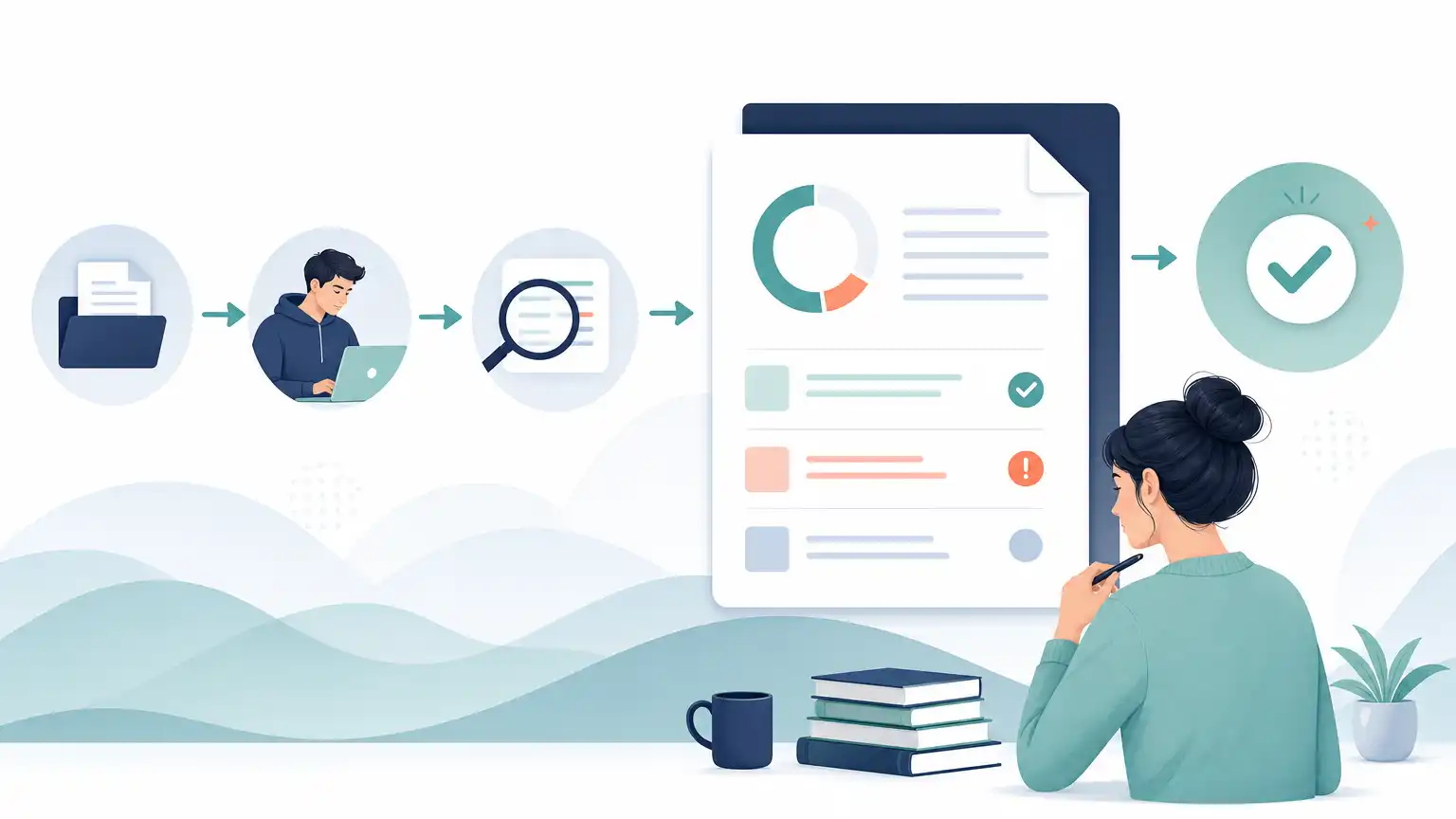
Timing matters too. Turnitin says uploaded files often take around 10 to 15 minutes to process, but overwritten or resubmitted papers may take up to 24 hours to generate a new Similarity Report. A separate Turnitin help page adds that the first three resubmission attempts may produce reports quickly, while later attempts trigger a 24-hour wait. If you are checking close to a deadline, that delay can make the difference between useful feedback and no feedback.
It also helps to know what the score means. The Turnitin plagiarism checking feature identifies text similarity, not plagiarism itself, and instructors still have to interpret the matches. If your class uses AI review, Turnitin says the AI percentage is separate from the Similarity score, so those numbers should never be treated as interchangeable.
What You Want to See | Is Student Access Guaranteed? | What Usually Controls It |
|---|---|---|
Similarity score and report | No | Instructor assignment settings |
Updated report after revision | No | Resubmission rules and processing time |
AI writing percentage | No | Whether AI reporting is enabled and visible |
Why Student Access Depends on Assignment Settings
Many students assume Turnitin works like a public website where anyone can upload a paper and instantly get a personal score. Turnitin does not position itself as a provider of a free Turnitin service for individual students. On its main site, it presents its tools as academic integrity, grading and feedback, research integrity, and assessment solutions for institutions. That matters because the platform is usually controlled by schools and instructors, not by students acting on their own.
Inside a course, the instructor chooses how the assignment behaves. A standard assignment may allow one document upload and student report viewing, or it may only accept the file without showing the report until later. In some cases, an instructor can provide a direct submission link, and Turnitin says students may submit through that unique link without creating a user account. Even then, report visibility still depends on the setup behind that link.
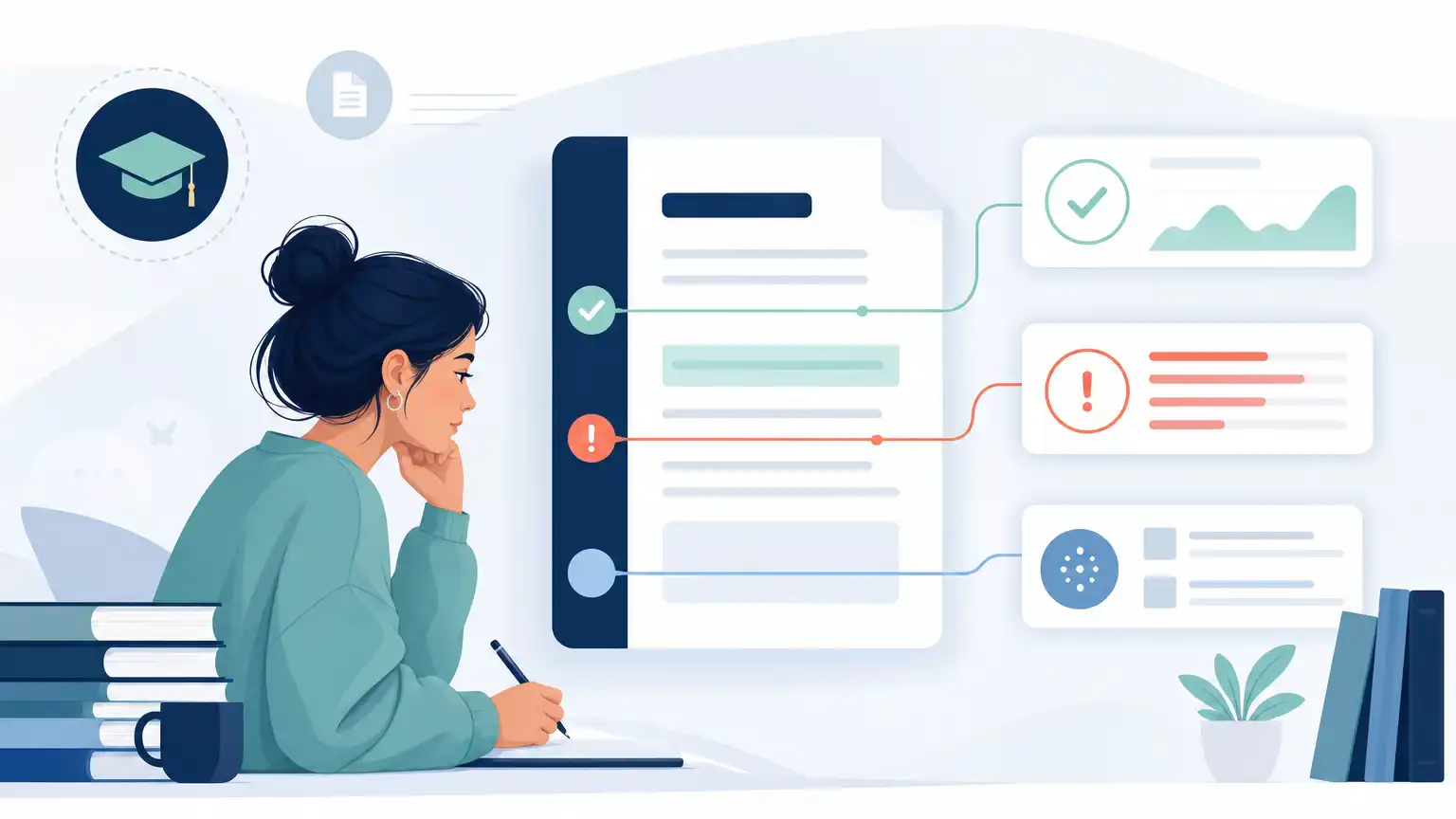
This is why two classmates can have completely different experiences. One student may see a color-coded Similarity Report shortly after uploading. Another may only receive a confirmation that the file was submitted. That difference is usually not about the paper’s quality. It is about whether the instructor wants pre-deadline review, whether student report access is enabled, and whether the assignment is built for draft feedback rather than one-time final collection.
If you do not see a report tab, percentage, or feedback panel, assume the assignment may not release results to students until later and plan your revision process accordingly.
When Draft Submissions and Resubmissions Help
Draft submissions are the best option for students who want to review similarity before the final upload, but only when the instructor has intentionally allowed them. If your class has a draft stage, use it early. Waiting until the last hour creates unnecessary pressure because a first upload might process in minutes, while a replacement file can take much longer.
For Turnitin resubmission processing time, the company says overwritten or resubmitted papers may take up to 24 hours to generate a new Similarity Report. It also notes that three resubmission attempts may generate reports immediately, but after the third attempt, a 24-hour delay can apply. That means repeated small edits and constant re-uploading are not a smart strategy. If you are trying to see whether a number drops by one or two points, you can easily run out of time.
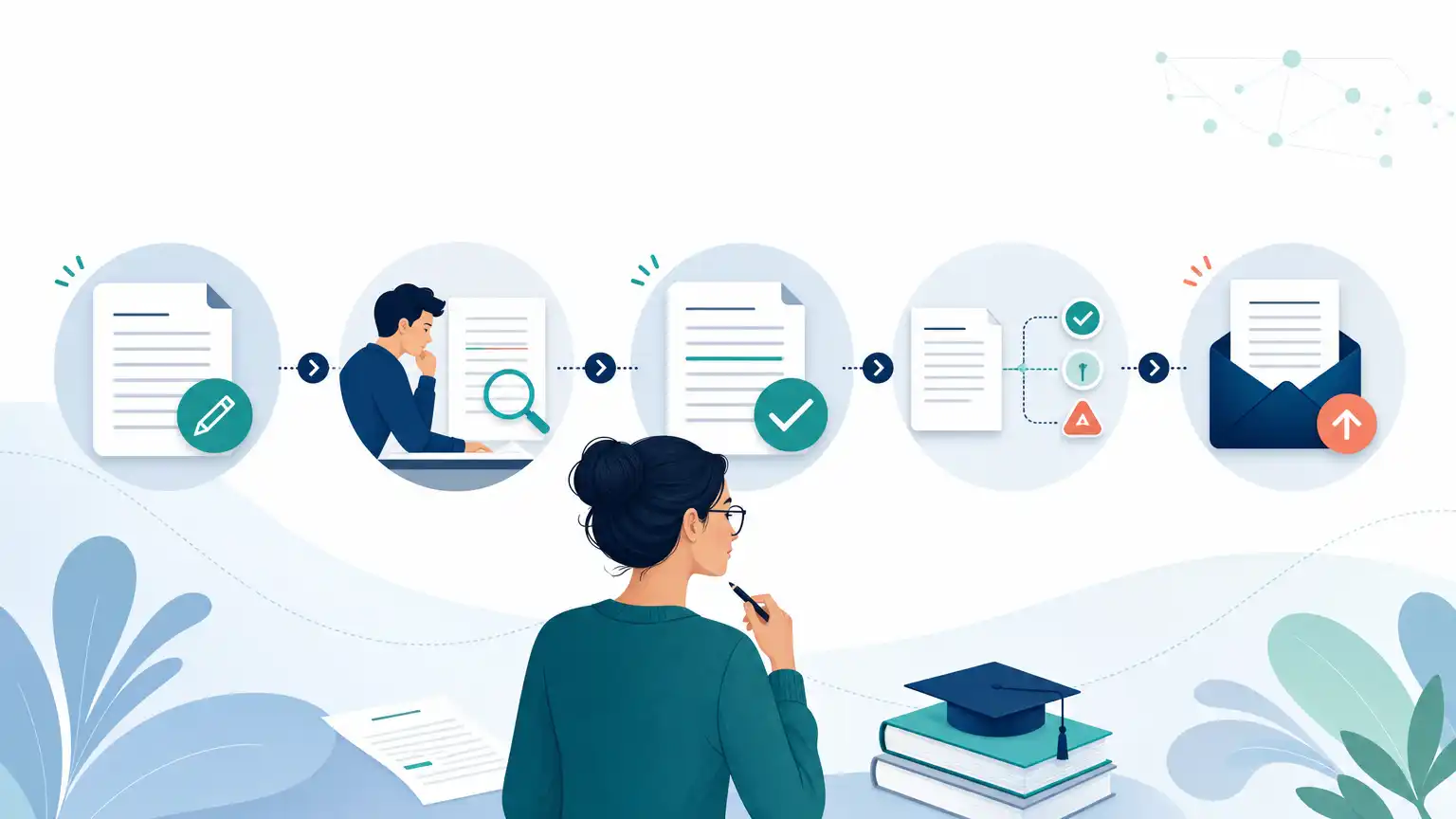
A better approach is to make one serious revision pass after reviewing the first report. Look for long matched passages, uncited quotations, weak paraphrases, and source-heavy sections that need more of your own analysis. Also check the assignment instructions before you submit anything. Turnitin states that only a single document may be submitted to a standard assignment, so if your project includes a cover page, appendix, or works cited, make sure everything is combined the way your instructor expects.
Draft access helps most when it supports thoughtful revision, not frantic score chasing.
What You Can Review Without a Turnitin Score
If no Turnitin report is available, you can still do a strong pre-submission check. Start with the places where students most often create avoidable problems: copied wording, patchwritten paraphrases, missing quotation marks, and incomplete citations. Turnitin’s guidance on Turnitin plagiarism screening is useful here because it reminds students that a high similarity score does not automatically prove plagiarism and a low score does not automatically prove the absence of a problem. That means your best review method is still close reading, not number hunting.
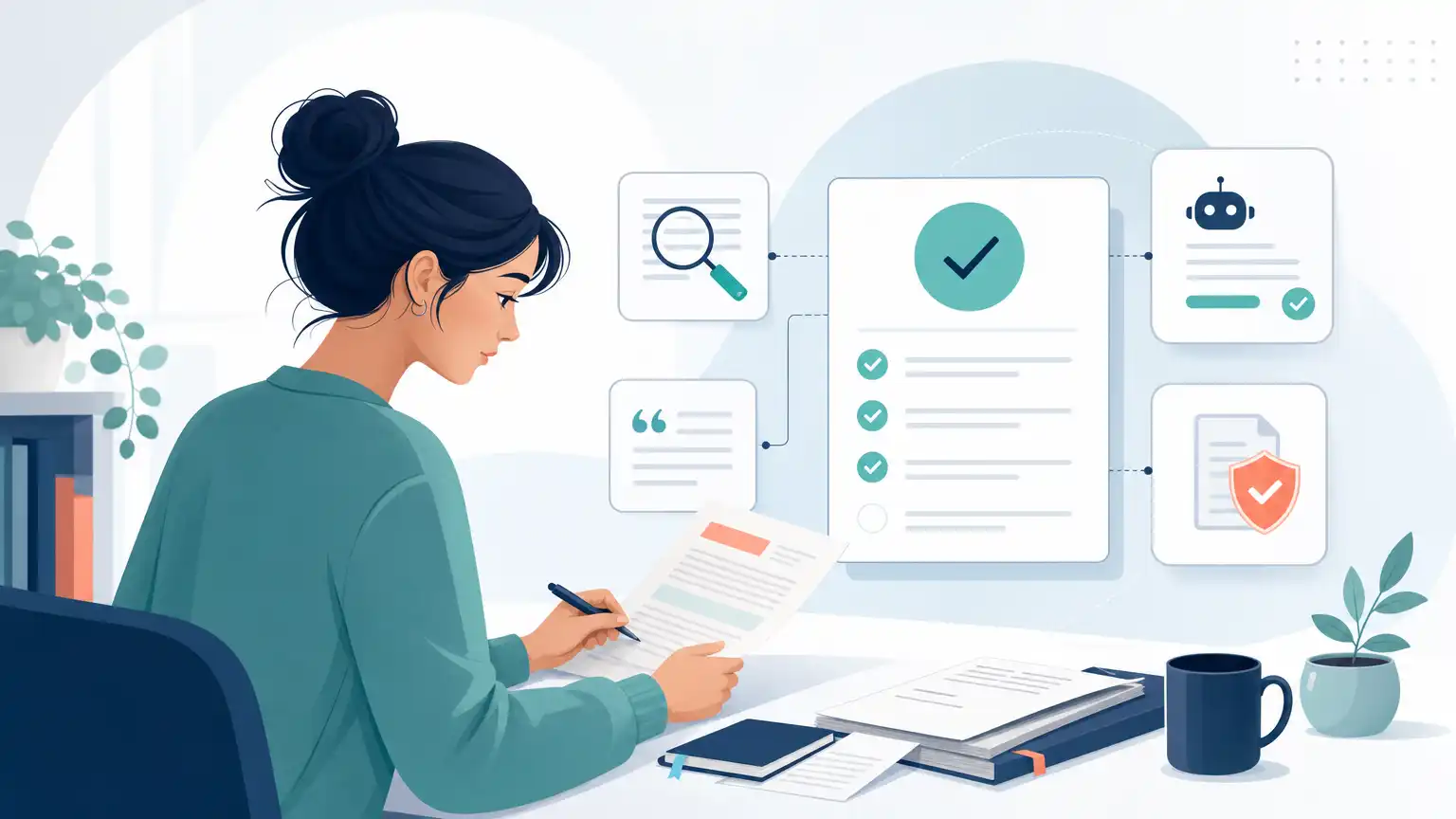
Go paragraph by paragraph and ask where each sentence came from. If wording came directly from a source, use quotation marks and cite it. If you paraphrased, compare your sentence to the original and make sure you changed not just a few words but the structure and emphasis as well. If you used AI during brainstorming or outlining, revise carefully for accuracy, evidence, and voice. Turnitin says its AI writing capability is designed to help educators identify text that might be prepared by generative AI tools, chatbots, word spinners, and bypasser tools. It also says the report may misidentify human-written, AI-generated, and AI-paraphrased text, so the result should not be the sole basis for adverse action.
File quality matters too. Turnitin warns that PDFs with non-selectable text, embedded extra files, or unreadable formatting may be rejected or may not process correctly. Clean formatting, readable text, and a standard file type can prevent avoidable submission issues.
How to Ask an Instructor About Pre-checks
If you are unsure whether a report will be visible, ask early and keep the question focused on process. Most instructors respond better to practical questions than to messages that sound like bargaining over a score. You do not need to explain your whole paper. You just need to know whether the assignment allows drafts, whether students can view the Similarity Report, and whether a replacement upload is possible before the deadline.
A short message works well: “Hi Professor, I want to review my draft carefully before the deadline. Will this Turnitin assignment let students see the Similarity Report before final submission, and are resubmissions allowed?” That wording is respectful, clear, and easy to answer.
If your course also uses AI review, ask about that separately instead of assuming it functions like similarity matching. Turnitin says the AI Writing tab contains the overall percentage of text detected as AI in the new Similarity Report. It also says scores below 20% may appear with an asterisk in some views because those results are less reliable and false positives are more likely. Turnitin further describes two interactive AI report categories: AI-generated only and AI-generated text that was AI-paraphrased, naming QuillBot as one example of an AI paraphrasing or word-spinning tool in this context.
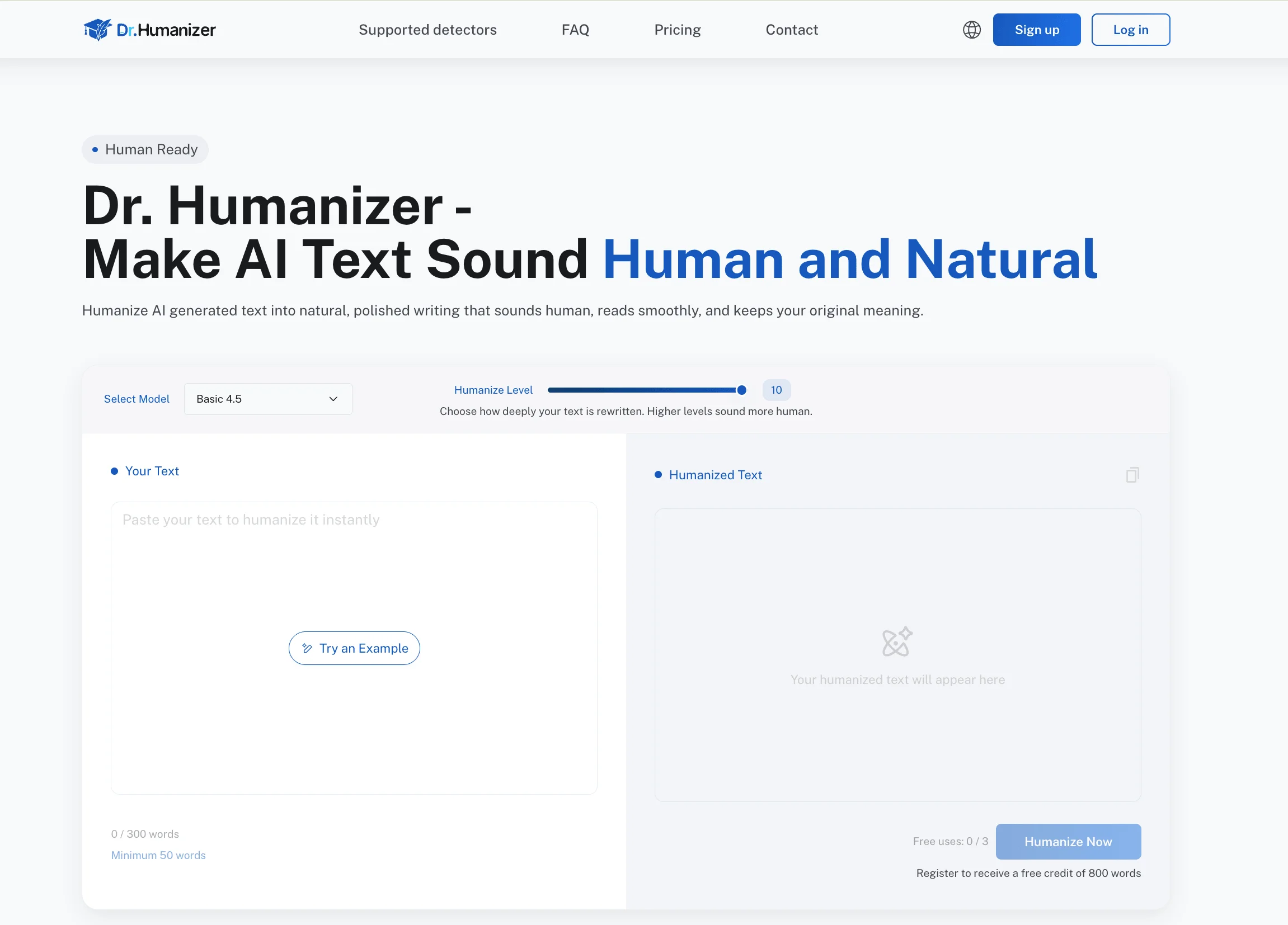
If a draft sounds stiff or generic, revise for clarity and personal voice rather than trying to hide anything. A light editing pass with Dr. Humanizer may help reduce robotic phrasing, but your evidence, citations, and compliance with course rules still matter most.
Key Takeaways for Pre-submission Checking
You cannot assume you will see a Turnitin score before the deadline. Student access depends on how the instructor configured the assignment.
A draft assignment is the most useful setup for pre-submission review because it gives you time to read the report and revise thoughtfully.
Initial uploads often process in about 10 to 15 minutes, but overwritten or resubmitted files may take up to 24 hours.
After three resubmission attempts, Turnitin says a 24-hour wait can apply before a new Similarity Report is generated.
A Similarity score is not the same thing as plagiarism. Turnitin identifies matching text that instructors still have to interpret.
If AI reporting is enabled, the AI percentage is separate from the Similarity score and should not be read as the same kind of result.
Without a visible report, you can still review quotations, paraphrases, references, and formatting before uploading.
Only one document may be submitted to a standard Turnitin assignment, so combine required parts before you upload.
Ask instructors early about draft access, report visibility, and resubmission rules so you are not guessing on deadline day.
For many students, the most helpful shift is moving away from “What number will appear?” and toward “What parts of this paper need clearer source use?” That mindset improves the draft whether Turnitin shows you a report in advance or not.
Frequently Asked Questions
Can I See My Similarity Score Before the Due Date?
Sometimes, but not automatically. You can usually see it only if the instructor has enabled student access to the Similarity Report before the deadline. In some classes, the report appears after a draft upload. In others, it stays hidden until after submission or grading.
How Long Should I Wait for a Turnitin Report?
Turnitin says many uploaded files process in about 10 to 15 minutes. If you replace or overwrite a file, the new Similarity Report may take up to 24 hours. That is why early uploading matters when a deadline is close.
Does a High Similarity Score Prove Plagiarism?
No. Turnitin’s student-facing guidance says a high score does not automatically prove plagiarism, and a low score does not automatically prove there is no issue. The report highlights matched text, but an instructor still has to interpret whether the matches come from proper quotations, references, templates, or problematic source use.
Can I Upload More Than One File to a Turnitin Assignment?
Not in the standard assignment format described by Turnitin. It states that only a single document may be submitted to a standard assignment, and multiple documents or zip files cannot be selected for upload. If your instructor requires several parts, combine them as directed or ask for clarification.
Is the AI Writing Percentage the Same as the Similarity Score?
No. Turnitin says the AI percentage is different from and independent of the Similarity score. Similarity concerns matched text, while the AI Writing Report concerns text the system identifies as potentially AI-generated or AI-paraphrased.
What Should I Do If No Report Is Visible?
Do a manual review. Check every borrowed idea for citation, every direct quotation for quotation marks, and every paraphrase for genuine rewriting rather than word swapping. Also confirm that your file is readable and formatted cleanly so the upload can process correctly.
Conclusion on How to Check Turnitin Score Before Submitting
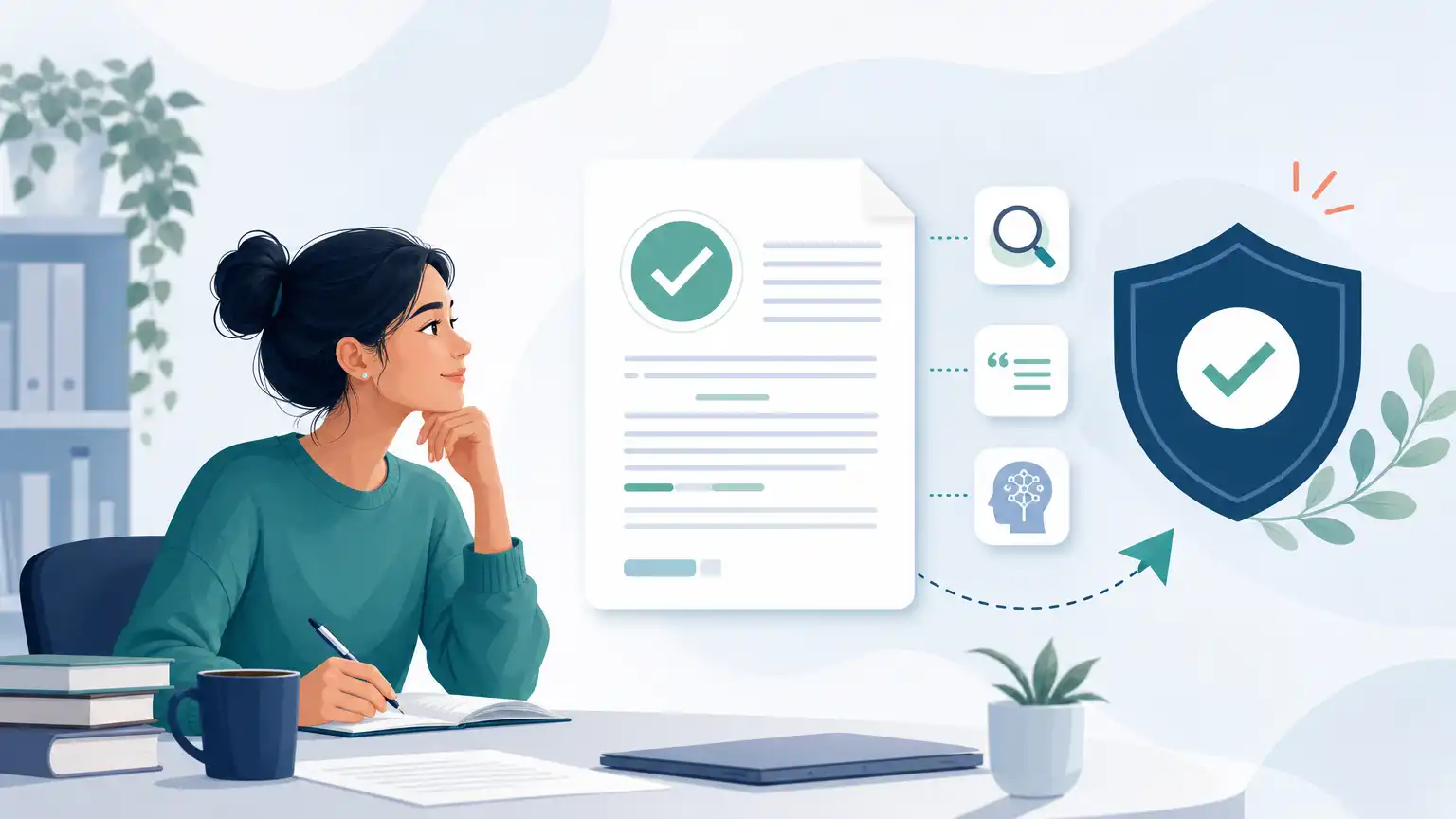
For students wondering about how to check turnitin score before submitting, the real answer depends on access. You can only review a score in advance when your instructor and assignment settings make that report visible to students. Draft assignments, early uploads, and careful use of limited resubmissions give you the best chance of seeing useful feedback before the final deadline.
If no pre-check is available, do not panic or chase a number you cannot reach. Review your quotations, citations, paraphrases, and file formatting instead. Turnitin’s own guidance emphasizes that similarity findings require human interpretation, and its AI indicators are separate from similarity results. The safest pre-submission habit is not trying to game the system. It is submitting a readable, well-supported paper that clearly reflects your own thinking and responsible source use.