

Your assignment draft is due tonight, but your class does not offer a Turnitin practice submission before the final upload.
That is when students often start looking up how to use turnitin for free and run into confusing promises online.
The safer path is to understand official class access before trusting unofficial upload sites.
Quick Answer to How to Use Turnitin for Free
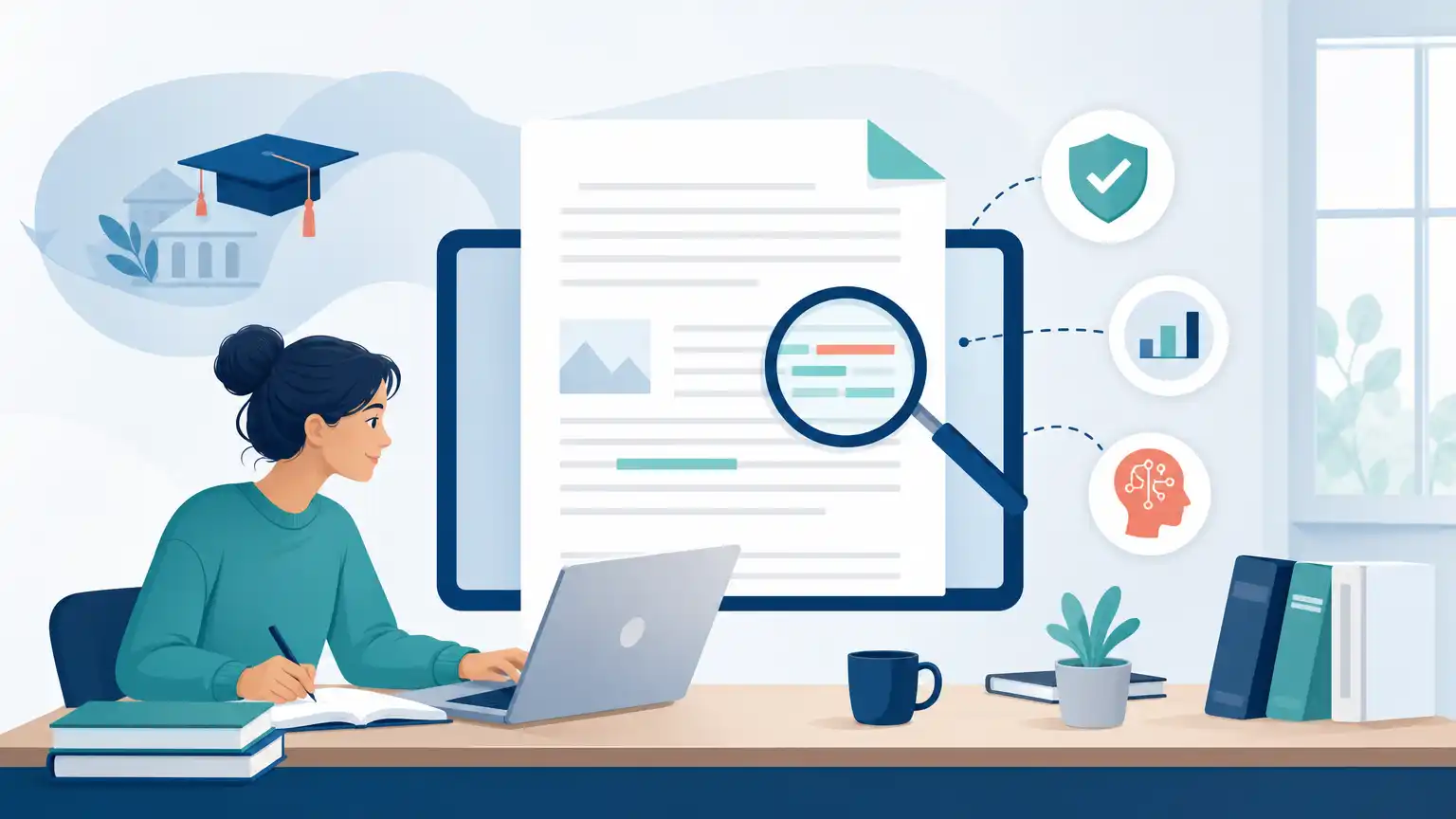
Most students cannot sign up for a personal free Turnitin account and run unlimited checks on their own papers. Turnitin presents itself as an academic integrity, grading, feedback, research integrity, and assessment platform for schools and organizations, not as a public self-check website for individual students. In practice, that means free access usually comes only when your college, university, or instructor has already provided it through a class assignment or a legitimate submission link.
If your course includes Turnitin, you may be able to upload a paper and receive a Similarity Report. In some institutional setups, educators may also have access to AI writing detection through Turnitin via the AI Writing Report. Those are not the same thing. Turnitin states that the AI percentage is different from and independent of the Similarity score, so one number does not explain the other.
The safest approach is simple: use the access connected to your course if it exists, ask whether draft submissions or direct links are available, and do your own no-cost revision work before the deadline. Be cautious with third-party sites that claim to sell or give away unofficial Turnitin access.
Why Turnitin Access Usually Comes Through a School
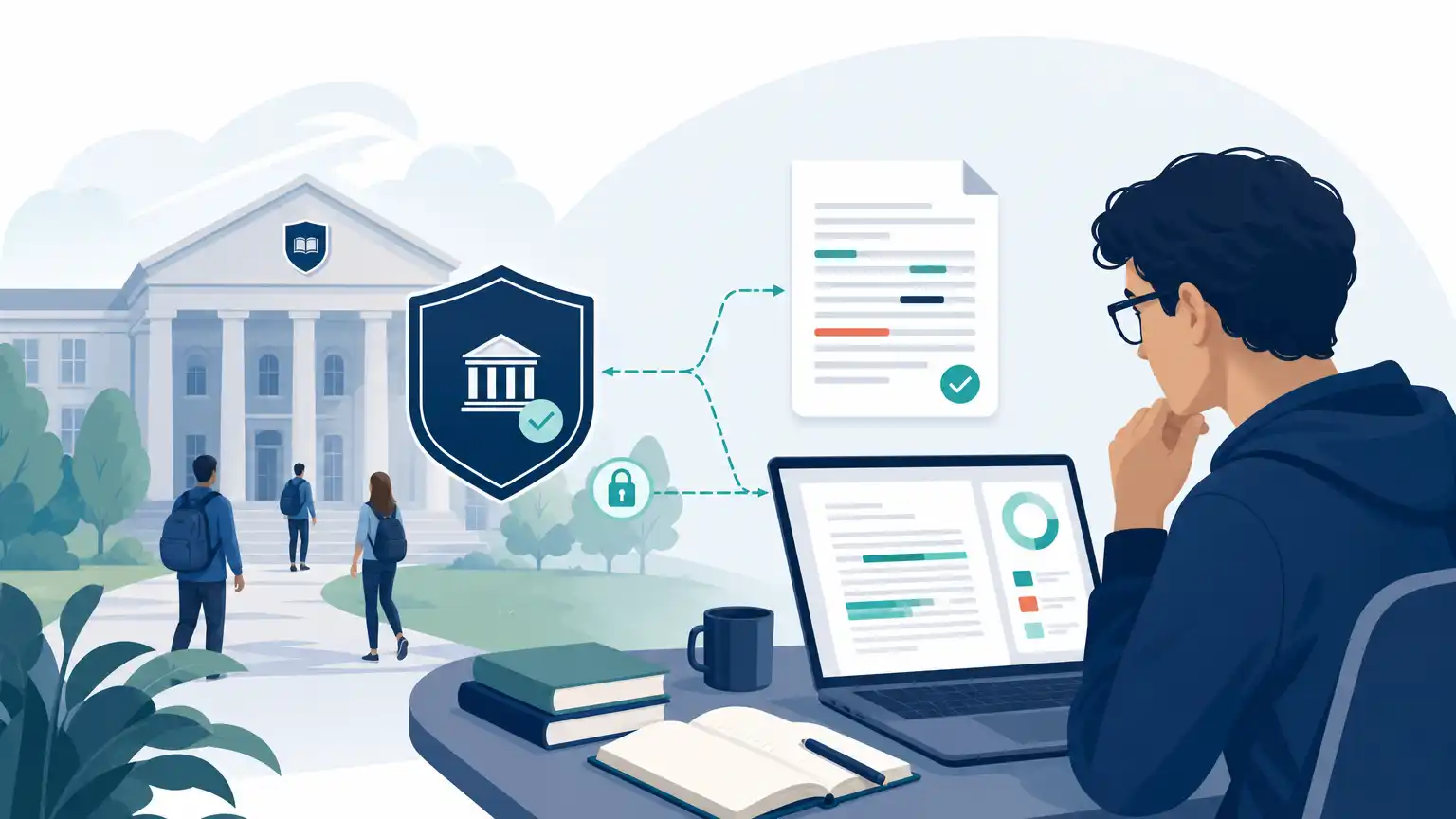
Turnitin is usually tied to institutional systems rather than to individual student subscriptions. A professor may create an assignment inside a course shell, connect it through the campus learning platform, or manage submissions through an instructor dashboard. That structure is why students often hear about Turnitin from a syllabus or assignment page instead of from a stand-alone sign-up page.
This setup also explains why access varies from class to class. One instructor may allow pre-deadline similarity checks after a draft submission, while another may keep reports visible only to faculty. Some classes allow draft submissions and resubmissions; others use a single final upload. The point is that your experience depends less on what you want the system to do and more on how the assignment was configured.
Timing matters too. Turnitin says uploaded files can take about 10 to 15 minutes to process and generate a Similarity Report. Overwritten or resubmitted papers may take up to 24 hours, and Turnitin also notes that after three resubmission attempts, a 24-hour wait can apply. If you are hoping for last-minute feedback, those delays can matter.
It also helps to interpret results correctly. Turnitin’s plagiarism checking reports identify text similarity, not plagiarism itself. A high score does not automatically prove wrongdoing, and a low score does not automatically prove there is no problem.
When Direct Submission Links Are Available
There is one legitimate path that can look like free access outside a normal school login: a direct submission link from an instructor. According to Turnitin, direct submissions allow a student to submit through a unique instructor-provided link without creating a user account. That can be convenient for a workshop, placement process, writing support program, or special assignment flow.
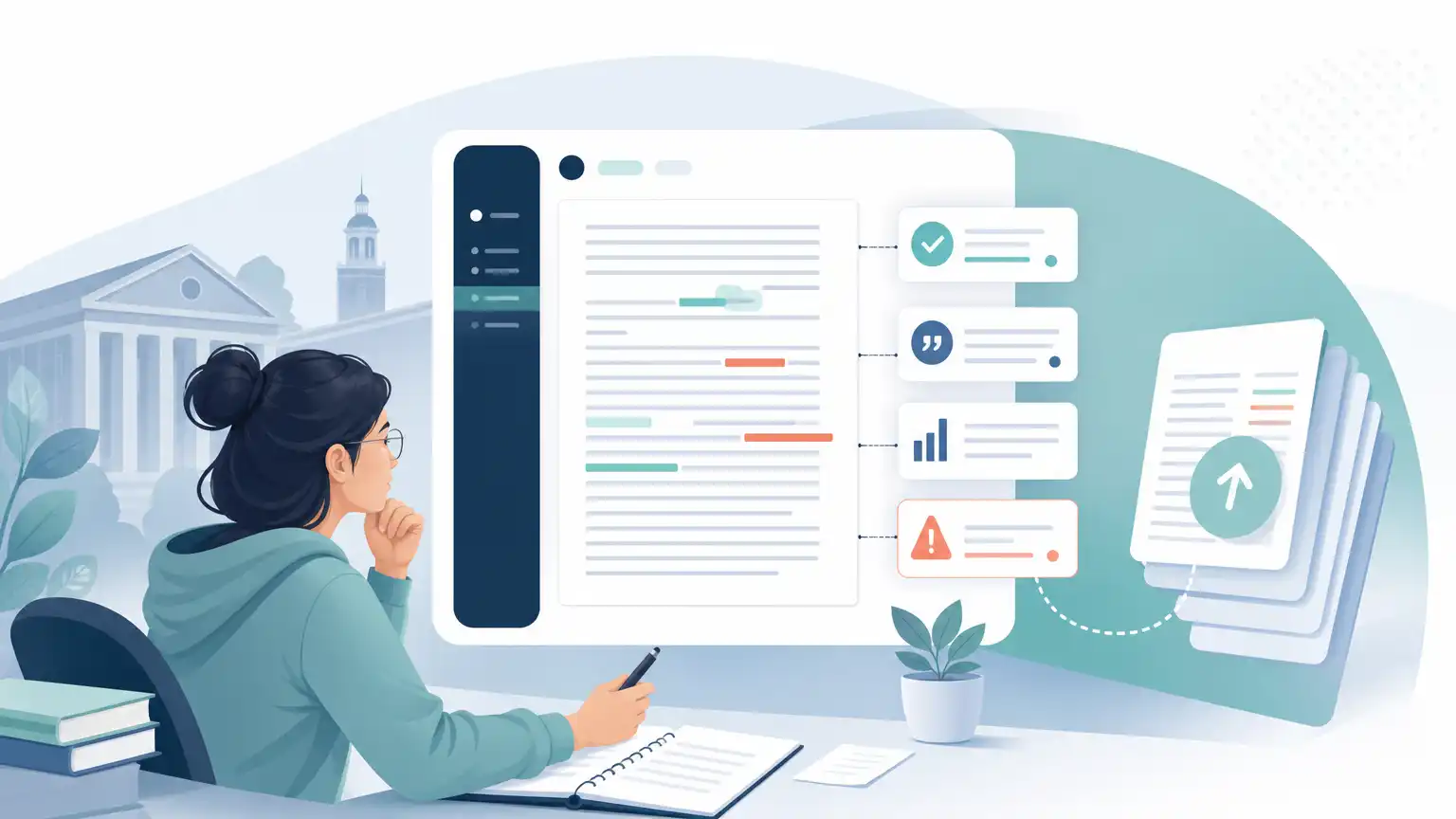
Still, a direct link is not the same as free individual access to Turnitin. It only works because an instructor or institution created the submission point first. You cannot generate one for yourself, and what you can view after uploading still depends on settings chosen by the person managing the assignment.
Before you submit through a direct link, ask clear questions so you know what to expect.
Question Before Uploading | Why You Should Ask |
|---|---|
Will students be able to view the Similarity Report? | Some submission points show reports to students, while others do not. |
Are draft resubmissions allowed? | Your revision plan changes if you only get one attempt. |
How long should processing take? | Standard uploads may be fairly quick, but resubmissions can be delayed. |
What file type and format should I use? | Unreadable files or formatting problems can affect processing. |
Also remember that Turnitin says a standard assignment accepts only a single document. You cannot upload multiple documents or a zip file as one submission, so merge your work into one clean file before sending it.
Free Ways to Prepare Before Turnitin
If you do not have access yet, there is still a lot you can do for free before any Turnitin upload. Start with source review. Read your draft line by line and identify places where your wording is too close to notes, articles, or websites. Add quotation marks where exact language appears, and make sure every paraphrase is genuinely rewritten in your own sentence structure. Then check that in-text citations match the reference list or works cited page.
Next, review the file itself. Turnitin warns that some PDFs with non-selectable text, embedded extra files, or unreadable formatting may be rejected or may not process correctly. A plain, readable document is usually safer than a heavily designed file. If your course uses AI writing detection for an assignment, Turnitin also recommends using a consistent file format across students.
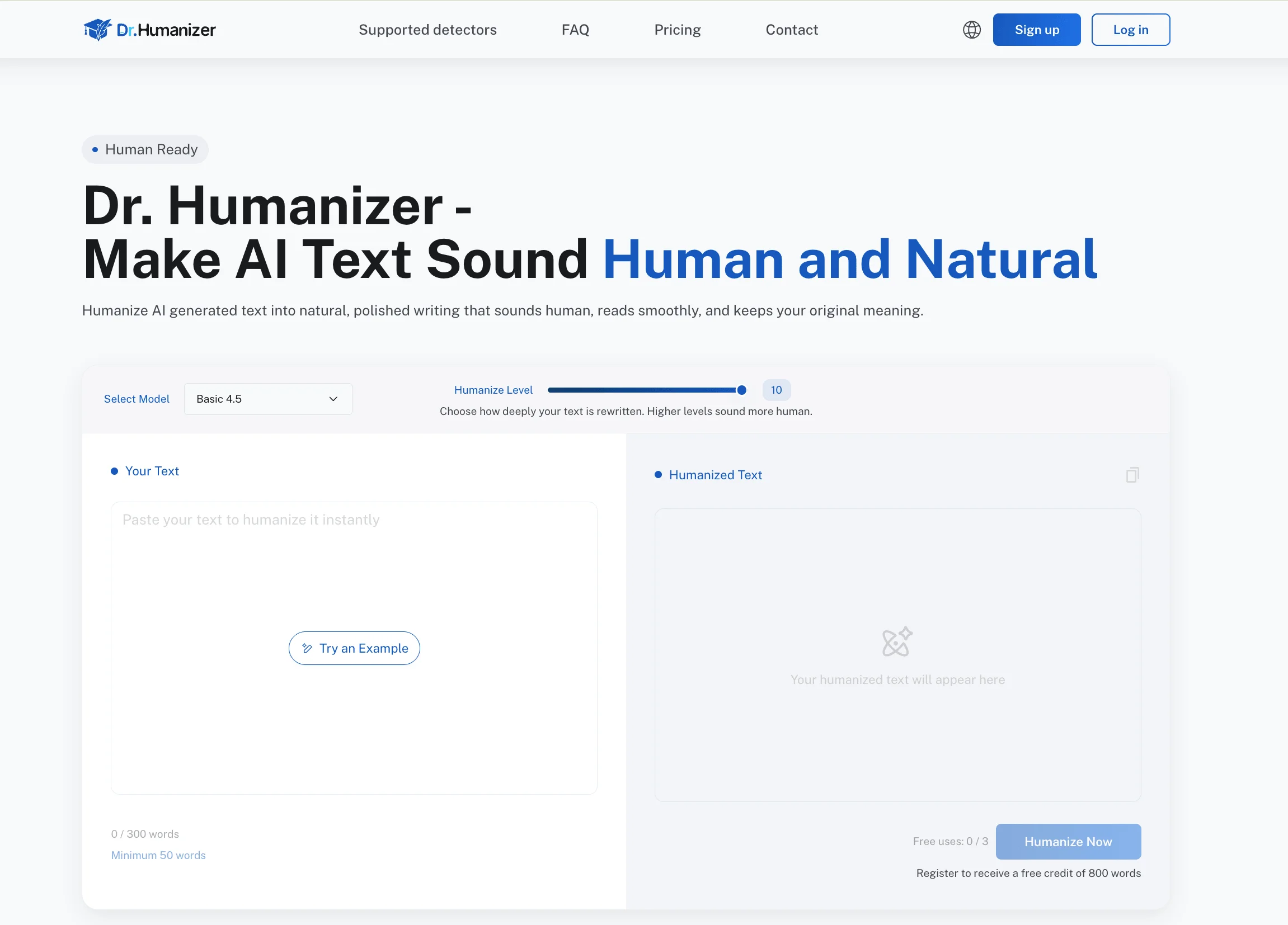
It is also smart to do a voice and accuracy pass on AI-assisted sections. If a paragraph sounds generic, repetitive, or oddly formal compared with the rest of your draft, revise it so it reflects your actual meaning. Confirm every claim, example, and citation. If you used AI for brainstorming or outlining, your final submission should still be something you understand and can explain. A tool such as Dr. Humanizer may help smooth robotic phrasing, but revision should stay focused on clarity, ownership, and honest source use.
What Not to Trust in Free Turnitin Claims
Be careful with websites or social posts that promise full Turnitin access for anyone, instant premium reports, or guaranteed student dashboards with no class connection. Those claims do not match how Turnitin describes its platform. If a service says you can upload any paper and get the exact same experience a school provides, skepticism is reasonable.
Another problem is oversimplified scoring language. Turnitin makes an important distinction between the Similarity Report and the AI Writing Report. The AI percentage is separate from the Similarity score, and Turnitin says its AI capability is designed to help educators identify text that might be prepared by generative AI tools, chatbots, word spinners, and bypasser tools. It also says the model may misidentify human-written, AI-generated, and AI-paraphrased text and should not be the sole basis for adverse action.
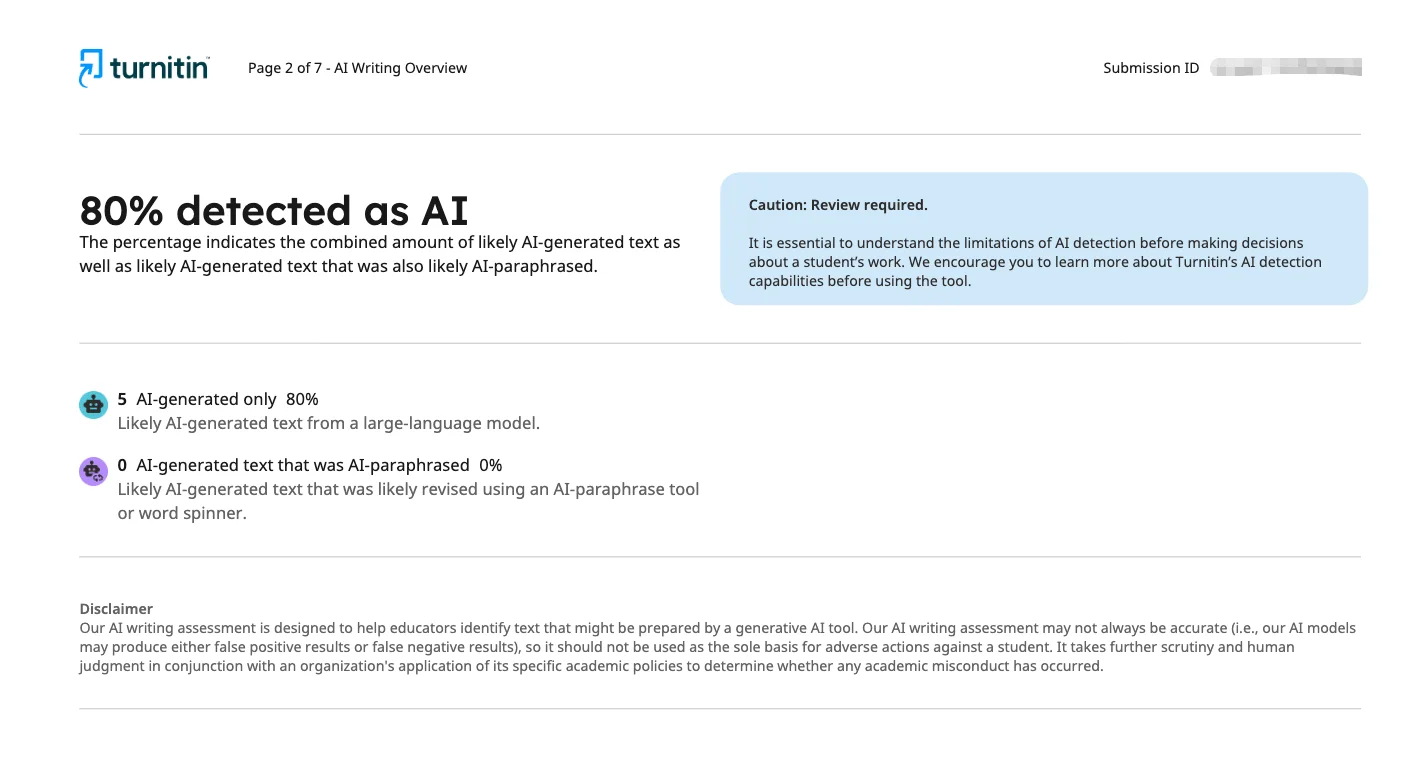
Turnitin further notes that, in some views, scores below 20% appear with an asterisk because results are less reliable and Turnitin AI false positives are more likely. That kind of nuance is usually missing from sites advertising one magic score.
A final warning sign is any service that promises to help you evade review or manipulate a report. That is not responsible academic support. A better path is to revise weak paraphrases, fix citations, and ask your instructor what submission options are actually available.
Key Takeaways About Free Turnitin Access
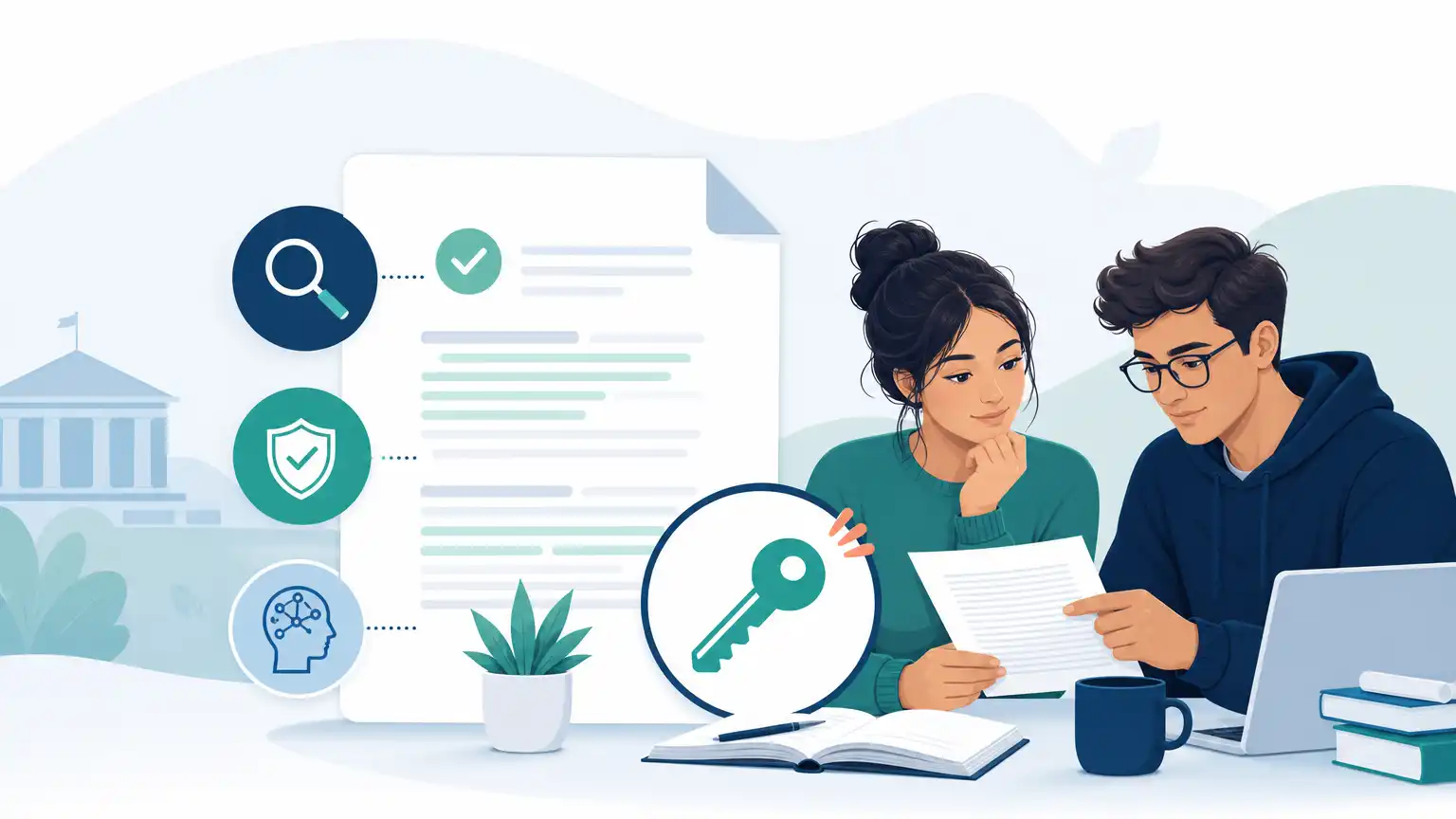
For most students, legitimate free access does not come from a public personal account. It comes from a course, a school license, an instructor-created assignment, or a direct submission link managed by someone at your institution. If none of those exist, there usually is not a true Turnitin self-check option waiting outside the academic system.
It also helps to reset expectations about what a report can tell you. Turnitin states that similarity is not the same thing as plagiarism, and its AI indicators are not the same thing as proof. Reports can highlight areas for review, but instructors still have to interpret them in context.
Check whether your class already includes Turnitin access through a course platform.
Ask whether draft submissions, resubmissions, or a direct link are available.
Confirm whether students can actually view the report after submission.
Build in time for processing delays, especially if you may need to resubmit.
Upload one readable document with clean formatting.
Do your own revision work before submission instead of relying on unofficial services.
Those steps will usually help more than chasing a supposed free checker that may not be legitimate or accurate.
Frequently Asked Questions
Can I Create My Own Free Turnitin Account as a Student?
Usually no. Turnitin is generally provided through an institution, course, or instructor-created assignment rather than through an open public student self-check account. If you need access, the best first step is asking your instructor or checking your course platform.
Can I Use Turnitin Without an Account?
Sometimes, yes. Turnitin says direct submission can allow a student to upload through an instructor-provided unique link without creating a user account. That still depends on a legitimate submission point that someone at your school or program has set up for you.
Will I Always See My Similarity Score After Submitting?
No. Student visibility depends on assignment settings. Some instructors allow students to view the Similarity Report, while others keep it visible only to faculty. If seeing the report matters for revision, ask before the final deadline.
How Long Does It Take for a Turnitin Report to Appear?
Turnitin says uploaded files can take about 10 to 15 minutes to process in many cases. Overwritten or resubmitted files may take up to 24 hours, and after three resubmission attempts that longer wait may apply. Do not assume you will get instant feedback right before submission closes.
Does a High Similarity Score Mean I Plagiarized?
No. Turnitin tells students that a high similarity score does not automatically prove plagiarism, and a low score does not automatically prove there is no issue. The report shows matched text that still needs human interpretation. Quotations, references, templates, and common phrases can all affect the percentage.
Can Students View the AI Writing Report?
Access to AI writing information depends on institutional setup and educator permissions. Turnitin says the AI Writing tab contains the overall percentage of text detected as AI in the new Similarity Report for supported contexts, but student visibility is not universal. It is also important to remember that Turnitin says AI results can be wrong and should not be the sole basis for adverse action.
Conclusion on How to Use Turnitin for Free
If you are trying to figure out how to use turnitin for free, the practical answer is that legitimate access usually comes through your school, your instructor, or an instructor-managed direct submission link. There is rarely a genuine public version designed for unlimited personal pre-checks.
That does not mean you are stuck. You can still make smart pre-submission decisions by tightening paraphrases, checking quotations and citations, using a readable file format, and asking whether you will be able to see any report after upload. Those steps are often more useful than chasing unofficial promises online.
If you do receive a Similarity Report or other feedback, treat it as a starting point for revision rather than a final verdict. Understanding that difference will help you use Turnitin responsibly and avoid common misunderstandings about what the platform actually shows.