

Homework gets harder when you are stuck before you even know what question to ask.
A deadline may be close, the textbook may feel thin, and a classmate's explanation may not match your instructor's method.
An AI homework helper can be useful in that moment if you use it for practice, feedback, and clarification instead of outsourcing the thinking.
Quick Answer to AI Homework Helper
An AI homework helper is best used as a study partner, not as a shortcut for submitting finished answers. It can explain a confusing step, create practice problems, summarize a reading, check whether your reasoning is complete, or help you plan a revision. It should not invent sources, solve graded work without your participation, or replace your instructor's directions. The safest approach is to ask for hints, compare methods, show your own attempt, and rewrite the final response in your own words. That keeps the tool focused on learning rather than academic misconduct.
Popular AI Homework Helper Tools
AI homework helpers come in different forms. Some explain concepts step by step, while others focus on math, writing, coding, or personalized tutoring. The best choice depends on the type of assignment and how you prefer to learn.
ChatGPT
ChatGPT can explain concepts, answer questions, generate practice problems, review writing, and guide students through difficult topics. It works best as a study partner when you ask for hints, explanations, or feedback instead of complete assignment answers.
Google Gemini
Gemini integrates with Google's ecosystem and can help students summarize information, brainstorm ideas, and explain course concepts. It is especially convenient for students who already use Google Docs, Drive, and Classroom.
Microsoft Copilot
Copilot combines AI assistance with Microsoft 365 apps. Students can use it to organize research, draft outlines, explain difficult topics, and review documents while working in Word, OneNote, or other Microsoft tools.
Khanmigo
Developed by Khan Academy, Khanmigo is designed as an AI tutor rather than an answer generator. It encourages students to think through problems with guided questions and explanations instead of simply revealing the solution.
Photomath
Photomath specializes in mathematics. Students can scan equations and receive step-by-step explanations for many algebra, geometry, calculus, and arithmetic problems. It is most effective when used to understand the solving process rather than copy the final answer.
What an AI Homework Helper Can and Cannot Do
A strong homework assistant can slow down a topic and break it into smaller decisions. In a statistics class, it might explain why a confidence interval changes when the sample size changes. In a history class, it might help separate a primary source from a secondary source before you begin drafting. Those uses support learning because you still choose, check, and explain the answer.
The tool becomes risky when it produces a complete submission that you cannot defend. If the answer uses a method your class has not covered, cites a source you did not read, or skips reasoning steps, your grade may suffer even if the final sentence sounds polished. A homework helper should make your work more understandable to you first.
Helpful Use | Why It Works | Risky Use |
|---|---|---|
Ask for a hint after your first attempt | You keep ownership of the reasoning | Paste the whole problem and submit the answer |
Request a simpler explanation of a reading | You can return to the source with better focus | Quote a generated summary as if it were the text |
Generate practice questions before a quiz | You test recall without copying | Use generated answers for a graded quiz |
How to Use AI for Step-by-Step Learning
Start by telling the tool what course level you are in, what the assignment asks, and what you have already tried. A useful prompt might say, "I am in a first-year biology class. I tried to explain diffusion, but I am mixing it up with osmosis. Ask me questions before giving the answer." That kind of request makes the interaction active.
For math, science, and coding work, ask the AI to pause after each step so you can predict the next move. For writing and reading, ask it to identify the claim, evidence, and missing context. If you use ChatGPT, OpenAI's study features are designed around guided learning rather than answer dumping, and the same principle works with other tools too.
Show your attempt first.
Ask for one hint or explanation.
Solve the next step yourself.
Compare your reasoning with class notes.
Write the final answer without copying generated text.
Responsible Study Habits with AI Assistance
Schools differ in how they allow AI, so your syllabus matters. Some instructors permit brainstorming but forbid generated prose. Others allow tutoring-style help if you disclose it. UNESCO's education guidance stresses a human-centered approach to generative AI, and the U.S. Department of Education has also emphasized that AI should support, not replace, human judgment in learning.
Keep a simple record of how you used the tool when an instructor asks for transparency. You do not need a dramatic disclosure for every grammar suggestion, but you should be able to say whether AI helped you outline, practice, revise, or check your own work. That habit protects you when expectations are unclear.
A good test is whether you could explain the help you received without embarrassment or confusion in class. If the answer is yes, the tool probably supported your process. If the answer is no, slow down and rebuild the work from your own reasoning.
When to Ask a Teacher Instead
AI is weaker when the question depends on your instructor's grading rubric, local course policy, lab data, or a class-specific reading. It may also miss a small detail that changes the entire answer. If you are unsure whether classroom AI rules allow a tool-assisted step, ask your teacher before submitting.
You should also ask a human when the AI gives conflicting explanations. A study tool can sound confident while mixing methods from different courses. Bring the confusing part to office hours, a tutoring center, or a class discussion, then use the AI later for extra practice after the rule is clear.
A Better Homework Help Routine
A useful routine begins before the AI tool opens. Read the prompt, mark the exact verb, and write one sentence about what you think the assignment wants. If you cannot write that sentence, the first question should be about understanding the task, not producing an answer.
After that, separate confusion into categories. You may be missing a definition, a formula, a source detail, a writing structure, or a worked example. Ask for the smallest missing piece. This makes the response easier to check and keeps the tool from taking over the entire assignment.
When the AI gives feedback, turn it into action. If it says your explanation lacks evidence, go back to the reading and choose a passage. If it says a calculation skipped a step, redo the step on paper. If it suggests a clearer sentence, compare the new sentence with your original meaning.
End with a short self-test. Close the tool and explain the answer aloud in your own words. If you cannot do that, you are not ready to submit. Return to the confusing step, ask for another explanation, and rebuild the answer from your own understanding.
Name the assignment skill before asking for help.
Ask for one missing piece at a time.
Turn feedback into a concrete revision or practice step.
Explain the final answer without the tool before submitting.
Key Takeaways
Use AI to understand, practice, and revise, not to hand in work you did not produce.
Show your attempt before asking for help so the explanation targets your gap.
Check tool output against the syllabus, textbook, rubric, and class notes.
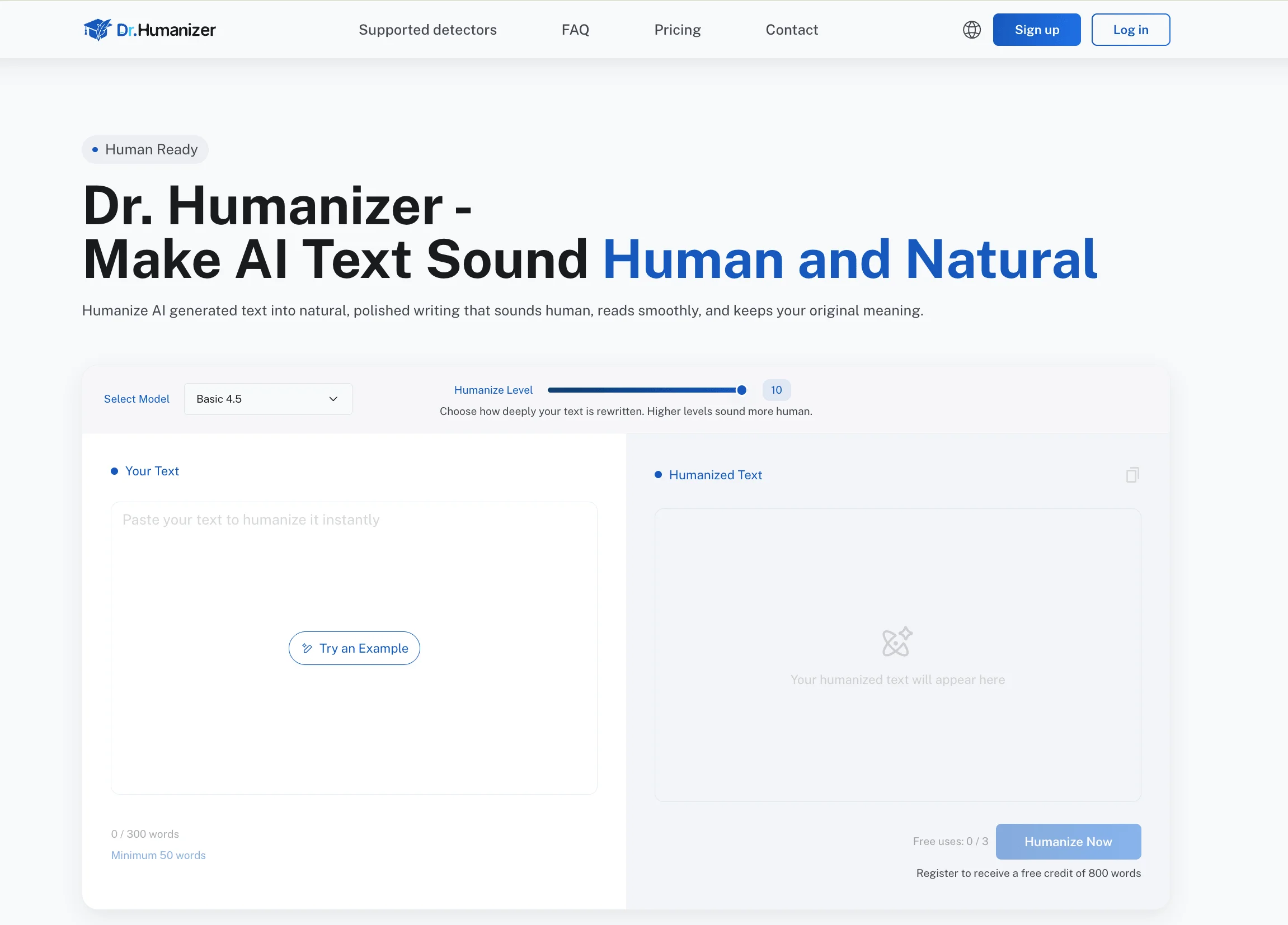
If an AI-assisted draft sounds stiff, Dr. Humanizer can help improve flow while you keep the final work in your own voice.
FAQ
Can an AI Homework Helper Do My Assignment?
It can produce an answer, but that does not make the answer appropriate to submit. Use AI for hints, examples, and practice. Your final work should reflect your own reasoning, your course materials, and your instructor's rules.
Is It Okay to Use AI for Homework?
It depends on your school's policy and the assignment directions. Many acceptable uses involve brainstorming, checking understanding, or practicing skills. Submitting generated work as your own is usually unsafe and may violate academic integrity rules.
How Should I Check AI Homework Help?
Compare the explanation with your textbook, lecture notes, rubric, and solved examples from class. If the tool skips steps, uses unfamiliar methods, or changes facts, treat the response as a draft explanation rather than a final answer.
Can AI Help with Math Homework?
Yes, but it should show reasoning rather than only final numbers. Ask it to explain one step at a time, then solve a similar problem yourself. This helps you learn the method and catch possible calculation errors.
Conclusion
An AI homework helper works best when it turns confusion into a clearer next step. It can explain, quiz, outline, and review, but it cannot replace your responsibility to learn the material and submit honest work.
For the safest results, use the tool after you have tried the problem, keep your class rules nearby, and revise every answer yourself. That makes AI support useful without letting it take over the assignment.