

A student comparing education AI tools can quickly run into overlapping features and unclear promises.
One tool writes, another summarizes sources, another checks grammar, and another tutors through questions.
Choosing AI tools for education should start with the learning problem you need to solve, not with the newest feature announcement.
Quick Answer to AI Tools for Education
AI tools for education include chat assistants, tutoring systems, writing feedback tools, source-based research assistants, note organizers, accessibility tools, and teacher planning platforms. Students should choose tools by task: concept practice, research organization, writing revision, language support, or exam prep. The best choice depends on accuracy, privacy, school policy, cost, export options, and whether the tool helps students learn rather than only produce output. No tool should replace verified sources, instructor guidance, or original student work.
Choose by Learning Task, Not Brand Name
A general chatbot may be useful for brainstorming and explanation. A source-grounded tool may be better for readings. A writing assistant may be better for grammar and clarity. An AI study guide maker that creates flashcards or quizzes may be better for memorization. The same student may need different tools at different stages of a project.
Before choosing, name the task in plain language: I need to understand a reading, organize sources, revise a paragraph, practice vocabulary, or plan a week of study. Once the task is clear, the tool choice becomes easier.
Learning Need | Tool Category | Selection Test |
|---|---|---|
Concept practice | Tutor or chat assistant | Does it ask questions and explain mistakes? |
Research reading | Source-based assistant | Does it stay grounded in uploaded material? |
Writing revision | Grammar or humanizing tool | Does it preserve meaning and voice? |
Exam prep | Quiz or flashcard generator | Does it support active recall? |
Teacher planning | Lesson support platform | Can teachers review and adapt output? |
Accuracy and Source Grounding
Education tools should be judged by how well they support verification. A source-based tool such as NotebookLM may help with uploaded materials, while a general chatbot may be better for broad explanation but weaker for source-specific claims. Students should know which mode they are using.
For research papers, never accept citations without checking them. For technical subjects, compare the answer with class examples. For current product features, use official pages because AI summaries can lag behind updates.
Privacy, Cost, and Access
Education tools may collect prompts, uploaded documents, writing samples, or usage data. Schools should review privacy terms before recommending a tool, and students should avoid uploading sensitive information into unapproved systems.
Cost also shapes access. A tool that works well only in a paid plan may not be fair for required coursework unless the school provides access or an alternative. Free tools can be enough for many tasks, but limits should be understood before a deadline.
Academic Integrity and Tool Boundaries
A tool is safer when the student remains visibly involved. Asking for practice questions, feedback, or a clearer explanation supports learning. Asking for a completed essay, lab answer, or fabricated bibliography creates academic risk.
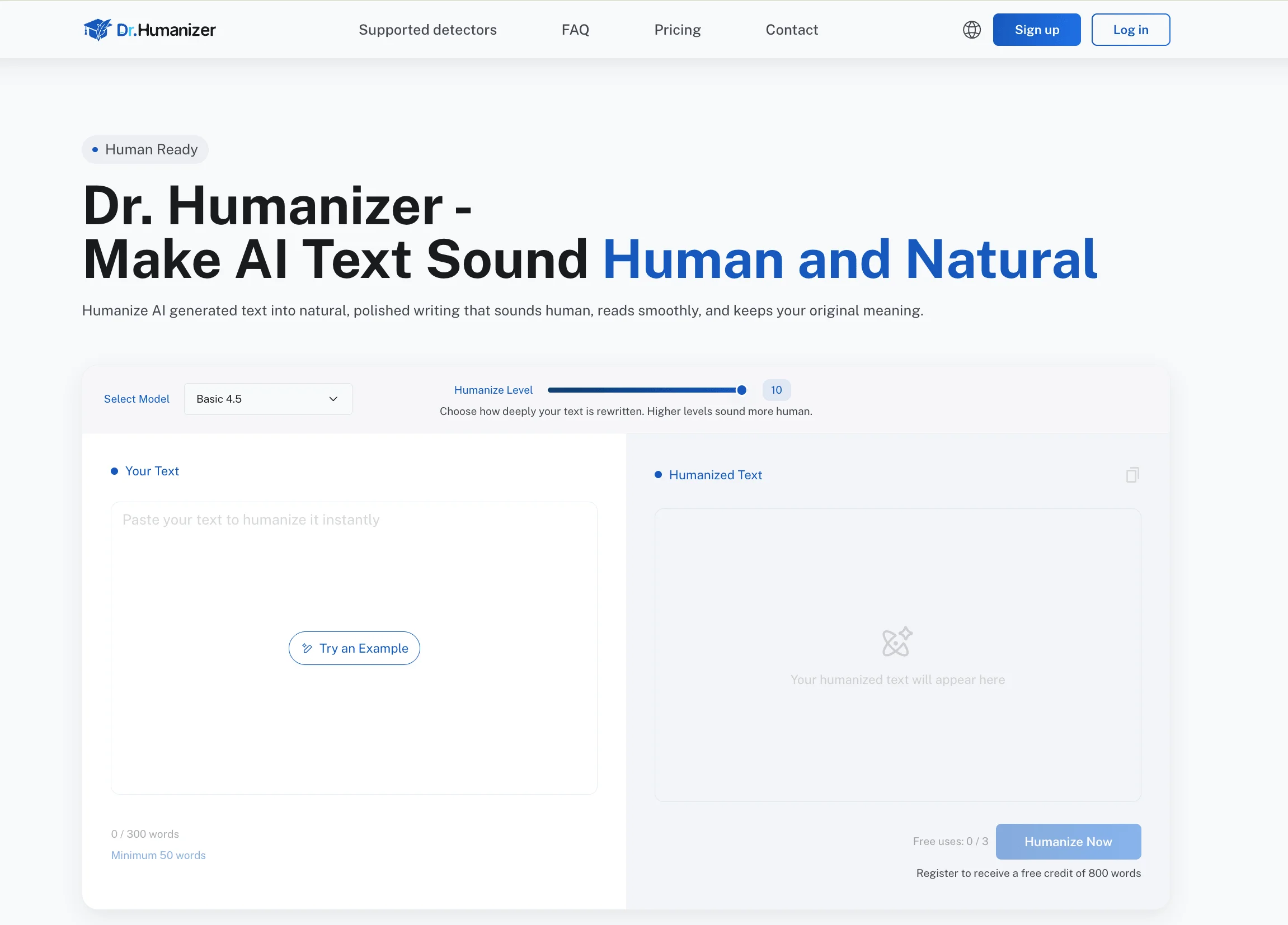
For AI-generated writing that needs readability revision, Dr. Humanizer can help reduce robotic phrasing. Students still need to check facts, cite sources, and follow disclosure rules.
A Practical Evaluation Matrix
Students and teachers can evaluate education tools with a simple matrix: purpose, evidence, privacy, access, and review. Purpose asks what learning task the tool supports. Evidence asks whether the output can be checked. Privacy asks what data enters the system. Access asks who can afford or use it. Review asks who makes final decisions.
A tool that performs well in one category may fail in another. A writing tool may improve clarity but create policy concerns. A source assistant may summarize readings well but still miss nuance. A quiz generator may save time but produce questions that do not match the exam.
The matrix should be applied to real work, not marketing claims. Test the tool with a sample reading, a sample assignment, or a small study goal. Then compare the result with teacher expectations and student needs.
For schools, the matrix can also support approved-tool lists. Instead of letting every class invent AI rules alone, departments can identify tools that meet privacy and learning standards while still leaving room for teacher judgment.
Purpose: What learning task does it support?
Evidence: Can students verify the output?
Privacy: What data does the tool receive?
Access: Can all students use it fairly?
The matrix should include accessibility as well. A tool may support captions, language translation, screen readers, or simplified explanations, but those features need testing with real students. Accessibility should be verified rather than assumed from a product description.
Review should continue after adoption. A tool that worked well in one semester may change pricing, features, privacy terms, or output quality. Schools and students should revisit approved tools periodically instead of treating one evaluation as permanent.
Students can use the same evaluation matrix for personal tool choices. Before adding another app, ask whether it solves a repeated problem, whether you can check its output, whether it protects your data, and whether it fits your budget. If the answer is weak, a simpler workflow may be better.
A simple pilot can prevent poor choices. Try the tool with one reading, one writing task, and one study session before relying on it across a course. The results will reveal whether it truly improves learning or only adds another account to manage.
Key Takeaways
Match the tool to a learning task before comparing features.
Prefer source-grounded tools when working with readings or research materials.
Check privacy, cost, and access before using a tool for class.
Use AI for support, not hidden authorship.
FAQ
What Are AI Tools for Education?
They are AI-supported tools used for studying, teaching, writing feedback, research organization, accessibility, practice, and administration. Examples include chat assistants, source tools, grammar tools, and quiz generators.
Which AI Tool Is Best for Students?
The best tool depends on the task. Chat assistants help with explanation, NotebookLM-style tools help with sources, writing tools help with revision, and quiz tools help with active recall.
Are AI Education Tools Accurate?
They can be useful but are not always accurate. Students should verify facts, citations, formulas, and policy claims with reliable course or official sources before relying on the output.
How Should Schools Choose AI Tools?
Schools should consider learning value, privacy, accessibility, cost, teacher control, data practices, and academic integrity. They should also provide clear examples of acceptable and unacceptable use.
Conclusion
AI tools for education are most useful when each tool has a clear job. A chatbot, source assistant, writing tool, and quiz generator should not be treated as interchangeable.
Students and schools should choose deliberately: start with the learning need, check policy and privacy, and keep verification built into the workflow. That makes AI support practical instead of distracting.